 BC LS Retail Tips
Member Data Privacy in Integrations: Exporting and Erasing Customer Data Cleanly
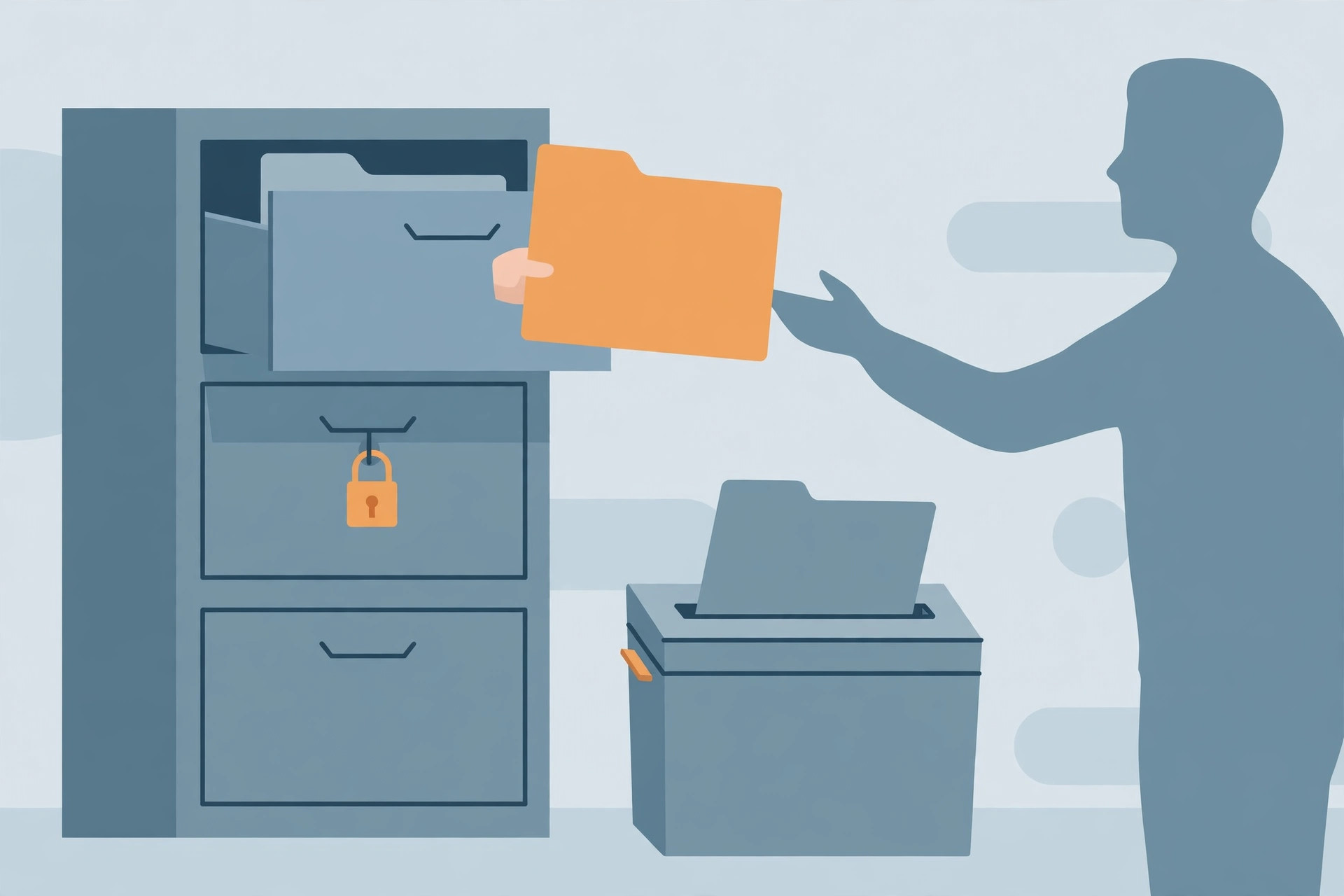
The email says “delete everything you hold about me,” and the first error is treating that sentence as one job. A member request can mean three different things — show me my data, stop using my data, erase my data — and Business Central has a different tool for each. Run the wrong one and the result is either too much (history deleted that had to be kept) or too little (a record blocked and reported to the member as erased). This guide uses the GDPR framing the retrieved sources use; it is operational guidance, not legal advice, and the request itself belongs with the people who own it: for paid Business Central tenants, data subject requests go to the organisation’s tenant administrator, who has the rights and tools to fulfil them.
First error: treating every privacy request as a deletion
Under GDPR, a data subject can request export, deletion, and modification of their personal data. Three rights, three operations. Export hands the member a copy and deletes nothing. Restricting processing stops the record being used while it stays on file. Erasure removes what may lawfully be removed — a smaller set than members usually expect, because posted retail history sits behind retention rules. Classify first, touch data second. Every later step in this guide depends on that one decision being recorded correctly.
Classify the request: export, restrict, or erase
Read the request for its verb, not its tone:
- “Send me what you hold” is an export request. The deliverable is a file, not a deletion.
- “Stop contacting me / stop using my details” is a restriction request. The deliverable is a processing stop.
- “Remove me” is an erasure request. The deliverable is deletion of what may be deleted, with the retained remainder named and explained.
Mixed requests are normal: export first, then erase is a legitimate sequence. Log each part separately, because each part gets verified separately at the end. One preparation step makes all three faster: data sensitivity classification. Sensitivity is classified once per field — Sensitive, Personal, Confidential, or Normal — and that classification is what enables targeted handling of a request instead of a manual hunt through every table a member might appear in.
Run it in Business Central: block, export, delete — in that toolbox order
The documented toolbox, in the order a request usually needs it:
- Restrict: mark the record Privacy Blocked. On the Customer, Vendor, or Contact card, marking a record Privacy Blocked restricts processing. The consequence is concrete: a blocked record cannot be used to create new transactions such as invoices. Note what blocking is not — it is not erasure. The data remains; its use stops. Record it that way in the request log.
- Export: use RapidStart. Customer data can be exported to Excel with RapidStart and saved in machine-readable formats such as CSV or XML. Mass corrections ride the same route, which covers the modification right: export, correct, and work from the same package rather than editing records one by one from memory.
- Erase: delete the contact, then clean the interaction log. An entire customer can be deleted by deleting the contact and then running the “Delete Interaction Log Entries for Canceled Interactions” batch job. Two steps, both required — deleting the contact alone leaves the interaction history the second step exists to remove.
What success looks like: the request log shows which of the three operations ran, on which record, and the verification matches the verb — a blocked record fails a test attempt to use it in a new transaction, an export file exists in a stated format, a deleted contact no longer resolves. One edge case sits outside the tenant route: users on trial tenants can export their own data from the Work and School Privacy page in the Azure portal.
The retention line: what posted retail history keeps
Erasure stops at a line, and the line is not negotiable at the service desk. Legal retention periods apply, and sales history needed for business operations may not be deleted. Stated as a per-data-type rule for a member:
- Profile data — the contact and customer record itself — is the erasable layer, handled by the delete procedure above.
- Interaction history is erasable with it, via the interaction log cleanup batch job.
- Posted transaction history — the sales record the business operates and accounts from — is the retained layer. It stays, and the member’s answer says so plainly, with retention as the reason.
The spec check that keeps this honest: Privacy Blocked, export, and delete are three separate documented mechanisms. No source describes blocking as a step towards automatic deletion, and none describes deletion reaching into retained sales history. If an internal process promises either, the process is promising more than the tooling does. How member data normally moves between systems is covered in the guide to customer and member data sync; this guide is about stopping, copying, and removing it.
Chase the copies: member data in integrations
Here is the gap no retrieved source fills: Business Central’s data-subject tooling is documented for Business Central. No source enumerates where a member’s data also lives once LS Central integrations exist. So this section is an inventory to build, not a list to trust. For each connected system the business actually runs — online store, loyalty platform, Dataverse, email platform, or anything else receiving member records — record four answers in the request file:
- Does this system hold a copy of the member record, in its own store?
- Does the same request — export, restrict, erase — need to run there separately, or does it follow the Business Central record automatically?
- Who runs it there, and what evidence comes back?
- What does that system retain under its own rules?
Until those answers exist per system, an honest completion note reads “completed in Business Central; integration copies listed, owners assigned,” not “erased everywhere.” The inventory is built once and reused on every request after the first — the first request pays for the map, the rest spend minutes following it.
Prove it: the request log and verification pass
Close every request with the same four-line record: what was asked (export, restrict, erase, or a combination), what ran in Business Central and when, what was retained and under which retention reason, and which integration copies were actioned or are still owned by a named person. Then verify against the request, not against the effort: re-check the blocked record cannot start a new transaction, open the export file, confirm the deleted contact is gone and the interaction log cleanup ran. Business Central’s privacy tooling exists to find and filter data, manage it, protect it, and keep records updated — the log is what turns those capabilities into an answer a member, or an auditor, can be shown.
, Dex Carter, Tech Writer
Keep readingNext: How customer and member data moves between LS Central and Business Central →