How customer and member data moves between LS Central and Business Central
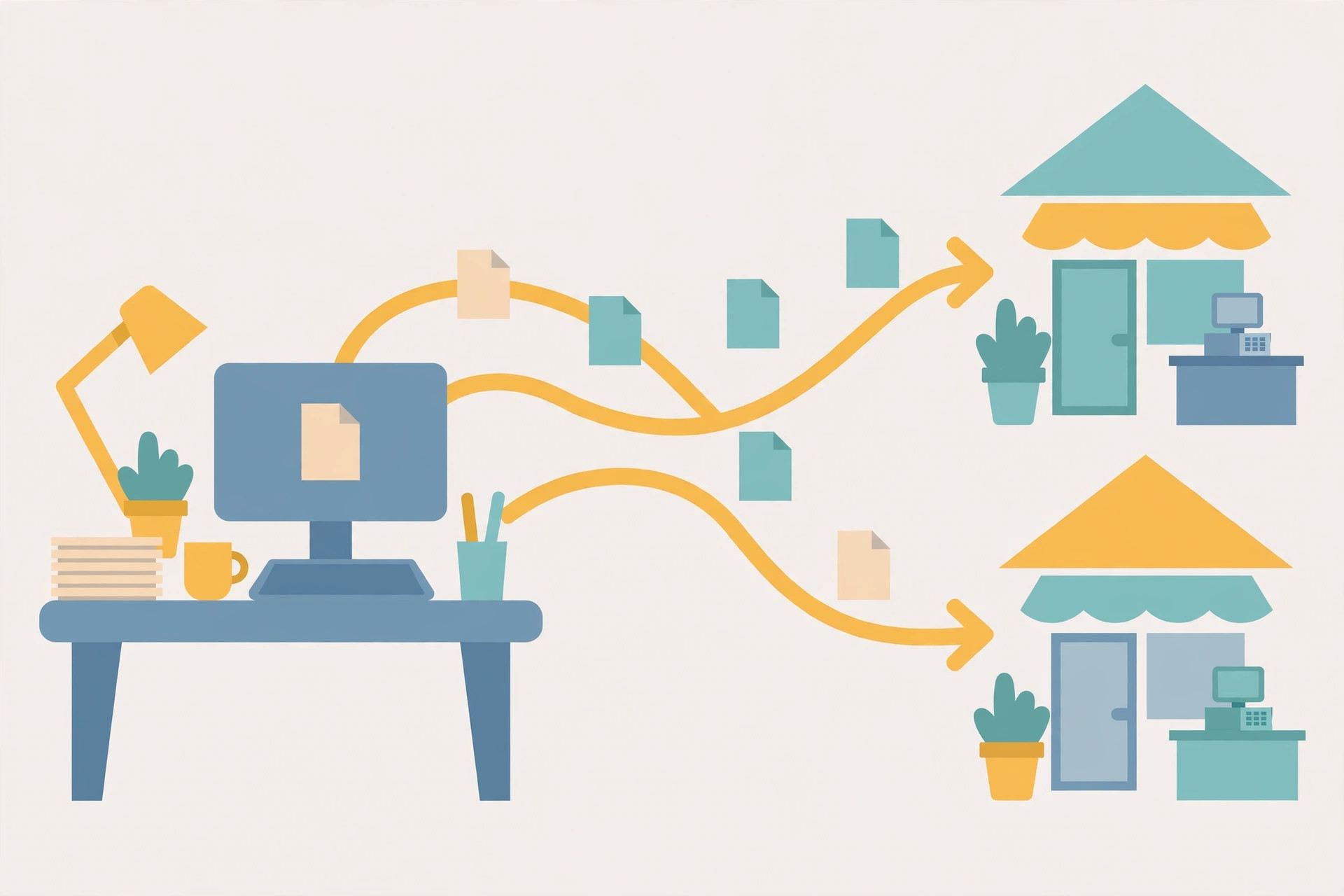
"Why didn't the customer update sync?" is a harder question than it sounds, because in an LS Central business there are three different mechanisms that all get called "sync" — and only one of them is usually the culprit. LS Central runs inside Business Central, so head-office member and customer data doesn't travel between two products at all. What actually moves data is: linking rules inside the company, scheduler replication out to store and POS databases, and — separately — Business Central's coupling to Dataverse, which is a different door entirely. This guide maps each one, and ends with the part nobody documents: what does not sync.
Door 1: inside the company — contacts, customers, member records
Within one Business Central company, the question is how the record families relate. Business Central contacts and customers are linked records, not copies: Microsoft documents that contact information is synchronized with the related customer, vendor, employee, or bank account, so — in Microsoft's own example — if you modify the phone number on the contact, the phone number for the customer is automatically updated. Update in one place is the design intent.
Two ways create that link. Create as turns a contact into a new customer (or vendor, employee, or bank account): the contact information is transferred to the new card, and the two stay synchronized afterwards. Link with existing attaches a contact to a record that already exists, and the Current Master Fields setting decides whose values win when fields common to both records conflict — Microsoft's example is a differing salesperson code, where you can choose to keep the contact's. Both routes have prerequisites people forget: a business relation code must be specified on the Marketing Setup page, and creating a record from a contact requires at least one template for that record type. Contacts can also be created in batch from existing customers, vendors, or bank accounts, taking the next numbers in the contact number series and the business relation code from Marketing Setup.
LS Central's member records — clubs, accounts, contacts, cards — live in this same company (see how member contacts are created). That is the key mental shift: a member contact edited at head office is already "in Business Central." There is no LS-to-BC sync job to wait for. If the store can't see the change, the problem is almost always Door 2.
Door 2: head office to stores and POS — scheduler replication
Store and POS databases are separate databases, and data reaches them through LS Central's scheduler jobs. The scale of that design shows in the standard jobs: since LS Central 17.0, POS32-All has been replaced by POS-ALL-INIT and POS-ALL-UPDATE, which replicate data to the POS so the POS can run offline. Customers are squarely in scope for endpoint replication — the Mobile POS data set, for example, includes items, item prices, customers, discounts, units of measure, staff, stores, and terminals, with replication starting when the Mobile POS app starts on the device (and the device's Store ID and Terminal ID must match LS Central, or nothing lines up).
Each subjob carries a Replication Method, and the method decides what "sync" means for that table:
| Method | How it works | Watch out for |
|---|---|---|
| Normal | Compares the two tables and makes them identical. | Often means reading all records in both databases; the LS field help says it is not recommended for big tables. It is the only option for tables that neither create Actions nor have a Replication Counter, when records may be deleted. |
| Normal + Replication Counter | A counter field on the table limits each run to changed records. | Records deleted at the source are not deleted at the destination. |
| By Actions | Operations are logged as Preactions, converted to Actions, and only the exact changes are sent. | Limits the records replicated — but cannot be used for replication from stores to head office without modifications. |
LS Retail's own replication guidance is blunt about the failure mode: setting all jobs to Normal replication causes large data transfers that waste bandwidth and processing time, and running them too often leads to system delays and database locking. Normal with counters, or By Actions, is the recommended pattern; plain Normal is mainly for the initial data sync or tables that need manual management. Subjobs also control granularity through Field Transfer Type — all fields, an include list, or all-but-an-exclude list — so "the field didn't sync" can be a configuration answer, not a bug. And replication has a housekeeping tail: preaction records and scheduler logs consume database space, and LS recommends jobs that clean up preactions older than a set number of days.
Door 2b: web replication — same corridor, stricter rules
Web replication moves data between databases or companies without the Data Director — it is an internal Business Central process where the scheduler job sends its request to a web replication module instead. Activation happens on the Scheduler Job Card: codeunit 99008923 in the Object Setup, with the Use Web Replication check box selected. Its limits are the sharpest of any mechanism here:
- Push only. The From Location must be the current location — source and process location are the same.
- Add-Update only for Normal jobs. Deletes are not supported, which is why LS says this is not what could be called "data sync": a Normal job without counters leaves extra records already at the destination in place.
- Identical tables only — same table to same table — and every destination location needs a valid Web Server connection on its Distribution Location Card.
Not this door: Dataverse coupling
Search results for "Business Central customer sync" mostly describe coupling records to Dataverse or Dynamics 365 Sales — accounts to customers, contacts to contacts, with synchronization directions and filters. That machinery connects Business Central to a CRM. It is not how LS Central stores get their data, and troubleshooting a store replication problem in the coupling setup will fix nothing. Keep the doors separate: CRM integration questions go to coupling; store and POS questions go to the scheduler. (Our integration overview covers the overall architecture.)
What syncs, what does not
| Change | Moves? | Why |
|---|---|---|
| Phone number edited on a linked BC contact | Yes, to the linked customer | Contact–customer synchronization inside the company. |
| New member contact created at head office | Yes, to stores/POS on the next successful replication run | Scheduler jobs (POS-ALL-INIT / POS-ALL-UPDATE family) replicate data to the POS. |
| Record deleted at head office, table replicated with a Replication Counter | No | Deletes are not propagated by the counter method; the record survives at the destination. |
| Record deleted, table on web replication | No | Web replication Normal jobs support Add-Update only. |
| Store-originated changes sent up By Actions | Not as standard | By Actions cannot be used from stores to head office without modifications. |
| Anything, while the replication job is failing | No | The POS keeps running on its last replicated data — see POS offline mode for what that means at the till. |
Decision framework: which mechanism answers your question?
- "Head office sees it, the store doesn't." Replication. Check the job ran, check the subjob's method and field transfer setup, then check the destination.
- "We deleted it and it came back / never left the store." Method limits. Counter and web-replication paths don't carry deletes.
- "The contact is right but the customer card is wrong." Linking. Check the business relation, and Current Master Fields for conflicts.
- "Everything is slow since we turned on sync." Method choice. All- Normal job sets are the documented cause of transfer bloat and locking.
- "Sales/CRM doesn't match BC." That's coupling — a different door, with its own mappings and directions.
What success looks like
- A test change made once at head office appears at the store after one replication cycle — and you can name the job and method that carried it.
- Deleted records are handled as a known exception (manual cleanup or a Normal-method job where appropriate), not discovered by a cashier.
- Job logs and preaction cleanup are scheduled, so the replication machinery itself isn't slowly filling the database.
FAQ
Is there a live sync between LS Central and Business Central? At head office there is nothing to sync — LS Central data lives in the Business Central company. Movement happens between databases: head office to store/POS by replication.
Why did a deleted customer reappear at the store? Most likely the table replicates with a counter or by web replication, neither of which propagates deletes.
Can replication be real-time? The mechanisms here are job-based — scheduler jobs run on their cadence, and endpoints like Mobile POS pull when the app starts. Plan around the cadence instead of expecting a live feed.
IndexBack to all guides →