 BC LS Retail Tips
The Store Template Company: Cloning Setup for Each New Location
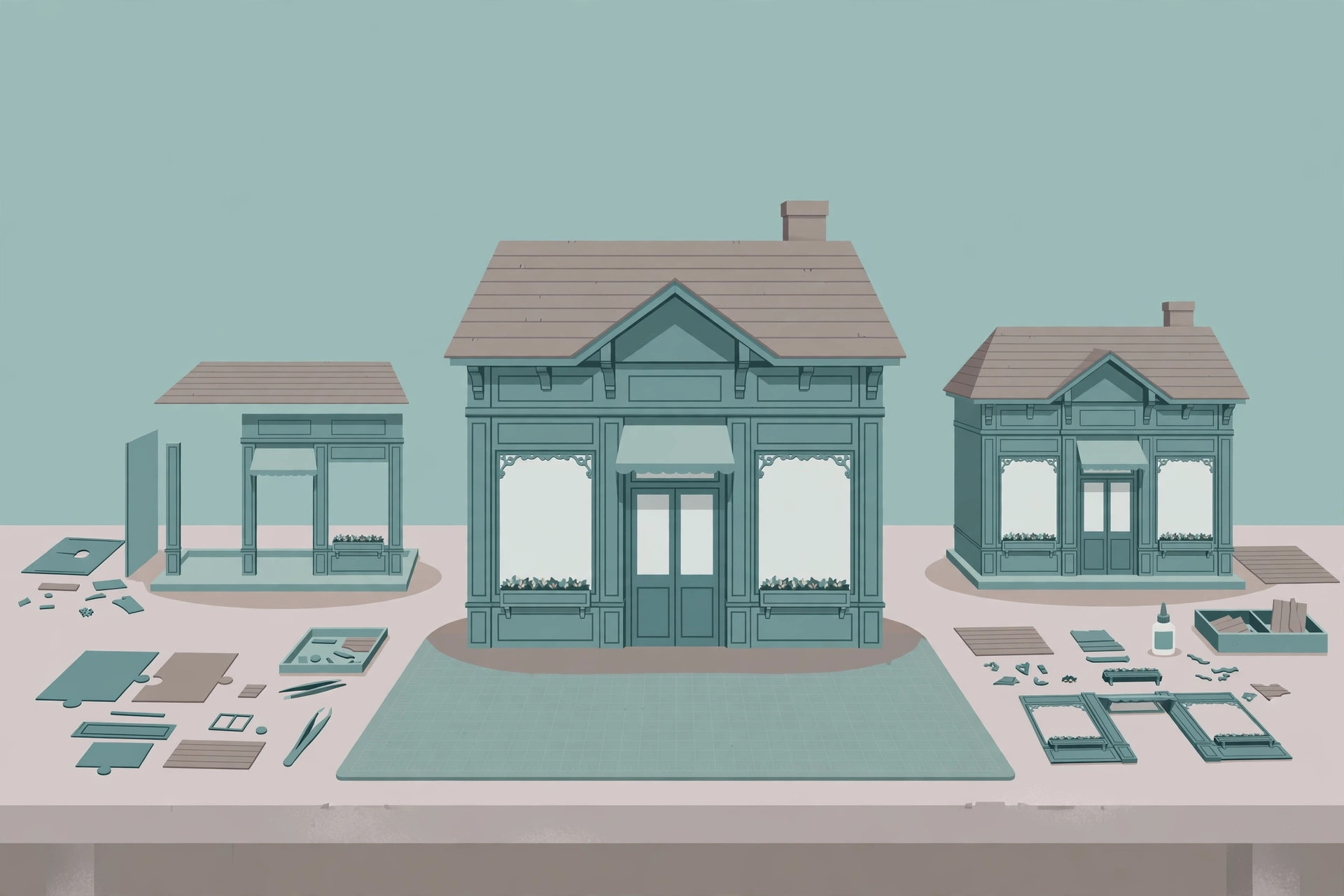
Start with the failure, because it is the honest place to start: a template does not know which of its contents are wisdom and which are mistakes. Clone a good template and every new store opens with proven setup. Clone a stale or contaminated one and every new store opens with the same wrong tax setup, the same forgotten test item, the same numbering trap, reproduced perfectly, at full fidelity, on opening day. Cloning multiplies whatever it is given. The skill is in what the template is allowed to contain.
A new LS Central location actually involves two different cloning layers, and confusing them is the second failure. Inside one company, the LS New Store Wizard multiplies a template store. Between companies, Business Central offers company templates, configuration packages, and Master Data Management. This guide compares the layers, sets the hygiene rules a template must live by, and walks the clone-day checks that stop a clean template producing a colliding store.
Layer one: the template store and the New Store Wizard
The documented in-company tool is the New Store Wizard, which multiplies stores from a template store. It combines copy functions for tender types and income and expense accounts, and it can optionally copy POS terminals, distribution locations and sublocations, inventory masks, handhelds, and hospitality setup. Note the shape of that list: it is store infrastructure, how the store takes money, accounts for it, and organises its terminals and locations, not live trading history.
The same source states the constraint that makes clone day a numbering exercise as much as a copying exercise: every company must assign unique identification codes to tables such as Item, Staff, POS Terminal, and Statement, and location-dependent numbering series are assignable to stores. A cloned store that inherits identifiers or series without its own unique allocation has not been set up, it has been duplicated, which is a different and worse thing.
Layer two: template companies, packages, and data sync
Between companies, the sources describe three approaches to configuring a new company. Configuration packages offer maximum flexibility. A template company, a Gold Build, is copied per new company. And Master Data Management, arriving in 2023 Wave 1, syncs setup and master data between companies on an ongoing basis.
Business Central's own assisted setup frames the starting point: Create New Company offers Evaluation, Sample Data, Advanced Evaluation, Production, Setup Data Only, and Create New, No Data templates, and creating a company requires the Super permission set. For a retail rollout, the names themselves carry the lesson, a production store company belongs on a setup-data starting point, never on sample data that then has to be cleaned out of a live location.
Each between-companies approach carries a named risk in the sources. The template approach fails if the template is not kept up to date. Master Data Management fails badly if the wrong tables or fields are synchronised, and the rule given is absolute: never sync ID fields. Configuration packages, the flexible option, put the selection burden on whoever builds the package: what is not selected does not travel.
Head-to-head: which layer does your rollout actually need?
| Question | Template store + New Store Wizard | Company-level approaches |
|---|---|---|
| Scope of the copy | One new store inside an existing company | A whole new company: packages select data, a Gold Build copies a template company, Master Data Management syncs between companies |
| What travels | Tender types, income and expense accounts, and optionally terminals, distribution locations and sublocations, inventory masks, handhelds, hospitality setup | Setup and master data at company level, per the package selection, the Gold Build contents, or the sync definition |
| Ongoing or one-shot | One-shot: the wizard multiplies the template at creation | Packages and Gold Build copies are one-shot; Master Data Management keeps syncing after creation |
| Named failure mode | Cloned identifiers or numbering series that are not unique to the new store | A stale Gold Build; synchronising the wrong tables or fields, never ID fields, under Master Data Management |
| Choose it when | The estate trades in one company and the new location is another store in it | The new location needs its own company, or master data must stay aligned across companies afterwards |
The layers are not rivals. A retailer can hold companies apart for legal or reporting reasons and still clone stores inside each company with the wizard. The error is using whichever layer is familiar for a job that belongs to the other one, building a whole company copy to add one store, or expecting a store wizard to solve a cross-company master-data problem it was never described as solving.
The template hygiene rules: current, transactional-free, documented
Three rules keep a template worth cloning. Current: the sources state the template approach fails if the template is not kept up to date, so template maintenance is scheduled work, every setup change made for live stores gets reviewed for the template, or the template quietly becomes a museum of last year's configuration. Transactional-free: a template carries setup, tender types, accounts, terminal and location structures, not trading history; the Production, Setup Data Only company template exists precisely because setup data and live data are different things, and a store template deserves the same separation. Documented: every deliberate difference between the template and a live store is written down at cloning time, because an undocumented delta will be “fixed” back to the template value by the next well-meaning sync or copy.
Master Data Management deserves its own hygiene line, because it is the one approach that keeps copying after clone day. Sync the wrong tables or fields and the failure is not a one-off bad clone but a repeating one, with the sources' rule as the guardrail: never sync ID fields.
Procedure: clone day, from template to trading store
- Confirm the layer. Decide first whether this rollout is a new store in an existing company (wizard) or a new company (packages, Gold Build, or Master Data Management). Write the decision down; it determines every later step.
- Audit the template before cloning. Check the template store or template company against the hygiene rules: setup current, no live transactional content, deliberate deltas documented. Fix the template first, never clone and then clean.
- For a new company, start from the right template. In Create New Company, choose the Production, Setup Data Only starting point for a production location, and confirm the operator holds the Super permission set the task requires.
- Run the copy. With the wizard, select the optional elements the new store genuinely needs. POS terminals, distribution locations and sublocations, inventory masks, handhelds, hospitality setup, alongside the tender type and income and expense account copy functions. With packages or a Gold Build, verify the selection or the source company is the audited template from step 2.
- Assign unique identifiers immediately. Give the new store its own unique identification codes for the tables that require them. Item, Staff, POS Terminal, and Statement among them, and assign the location-dependent numbering series for this store. Nothing inherited stays shared.
- Apply the per-store deltas. Work the documented list of values that must differ per store, and record each one as it is set. A delta that exists only in the setup person's memory is a defect waiting for the next sync.
- If Master Data Management is in play, review the sync definition. Confirm table by table and field by field what will sync, and confirm ID fields are excluded, before the first synchronisation runs.
What success looks like: the new store opens on setup that traces line by line to a current, audited template; every identifier and numbering series in the new store is unique to it; and the documented delta list matches the store as configured, with no sample or inherited live data anywhere in it. If any identifier is shared with the template store, clone day is not finished.
Template maintenance checklist
- Template audited before every clone: current setup, no transactional content, deltas documented.
- Cloning layer chosen deliberately, store wizard inside a company, company approaches between companies.
- New companies started from Production, Setup Data Only, created by a user with the Super permission set.
- Optional wizard elements selected per store, not copied by habit.
- Unique identification codes assigned for Item, Staff, POS Terminal, Statement, and the rest that require them.
- Location-dependent numbering series assigned to the new store, never shared with the template.
- Master Data Management sync definitions reviewed field by field; ID fields never synced.
- Every setup change to live stores reviewed for its template consequence, so the template never goes stale silently.
Cloning is the fastest setup method a growing retailer has, and the least forgiving. Keep the template current, clean, and documented; choose the layer that matches the rollout; and treat clone day's identifier and series checks as opening-day critical. Do that, and each new location starts as a copy of the best store in the estate, on purpose, not by accident.
, Dex Carter, Tech Writer
IndexBack to all guides →