 BC LS Retail Tips
Store Opening Countdown: The 30-Day Systems Checklist Before the Doors Open
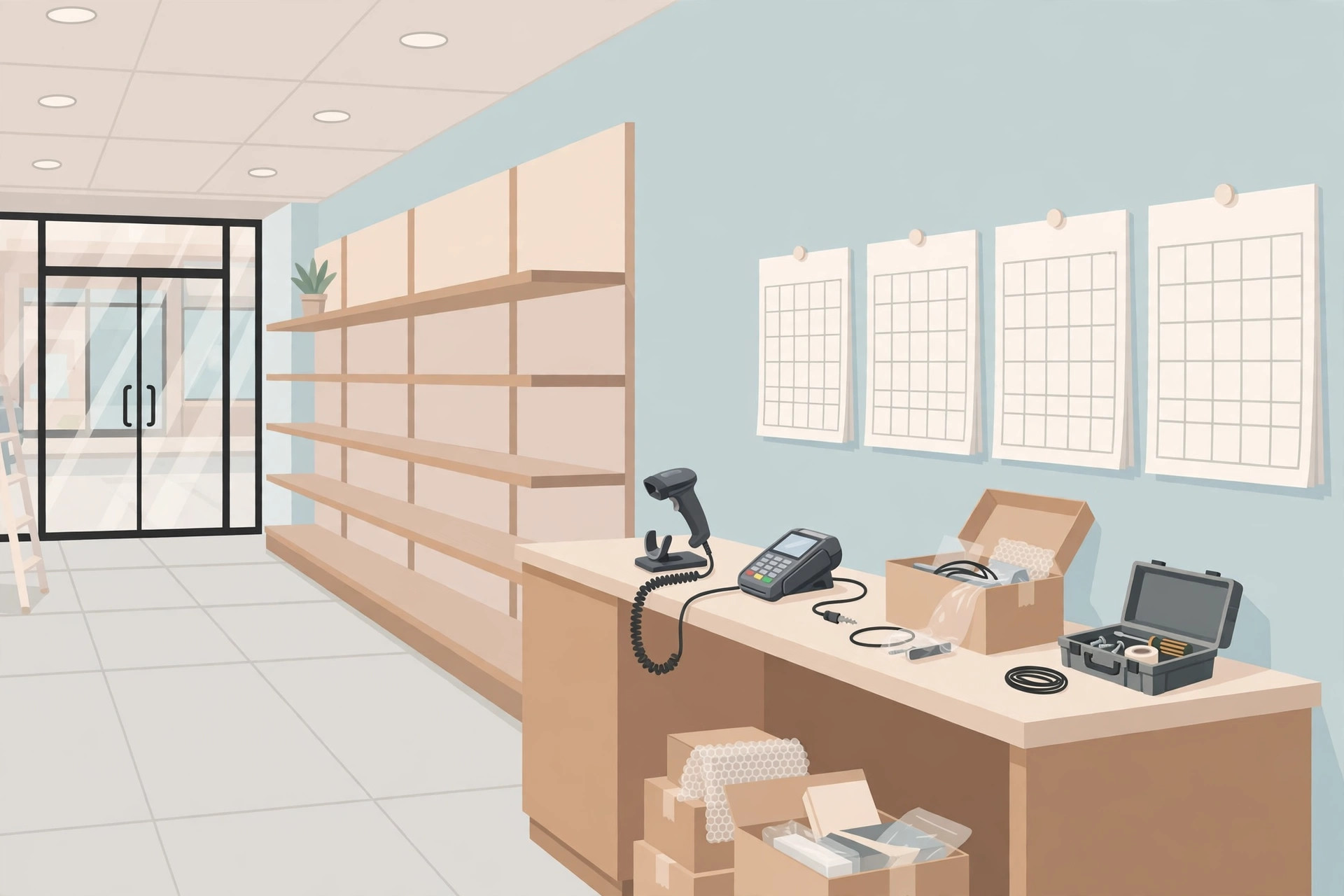
Opening morning, first customer, first scan, and the terminal cannot complete the sale. Nothing about that failure started that morning. It started three weeks earlier, when the systems work was left as a single line near the end of a general opening plan, behind permits, hiring, and merchandising. This countdown pulls the systems work out on its own and dates it, so each dependency gets proven while there is still time to fix what fails.
The error pattern: systems left to the final week
General opening timelines do contain systems milestones, but they sit inside a much wider plan. A typical pre-opening sequence finalises vendor and supplier setup and planograms in the 30 to 21 day band, tests point-of-sale hardware, internet, and payment processing on site in the 20 to 14 day band, receives opening inventory and runs staff training with mock transactions in the 13 to 7 day band, and finishes merchandising and a full inventory count in the final 6 to 1 days. The pattern to avoid is compressing all of that proof into the last band, the week with the least slack and the most people already on site.
The countdown below keeps those bands and gives each one a systems job with evidence at the end. Permits, hiring, and marketing sit outside its scope on purpose: this is the checklist that decides whether the store can trade, not whether it can open its doors in every other respect.
Days 30 to 21: records, series, and replication live
The first band is foundation work. Vendor and supplier setup is finalised in this window in the general timeline, and the systems equivalent is just as unglamorous: the store's core records must exist and agree with each other before anything downstream can be tested honestly.
- Create the store and location records for the new site, and confirm the identifiers used for the store match across every setup screen that references them. A mismatch found here costs minutes; the same mismatch found at terminal setup costs days.
- Set up the number series and opening defaults the store will trade under, and check that the first numbers in each series are the ones the business expects, not values carried over from a template store by accident.
- Confirm distribution and replication for the new store: the assortment, prices, and setup intended for this store must be the data the store actually receives. Send a small, deliberate change from head office and confirm it arrives at the store before loading the full assortment.
- Load the opening assortment in staged form and reconcile the item count against the planogram and supplier list agreed for opening. Discrepancies are resolved in this band, while the file can still go back to the supplier.
What success looks like: a test change made centrally appears at the store, the store record set is complete with no placeholder values, and the opening assortment count matches the agreed plan with every difference explained.
Days 20 to 14: terminals, tenders, and payments proven on site
This is the on-site proof band: point-of-sale hardware, internet, and payment processing are tested where the store will actually trade. A terminal that worked on a bench in another building has not yet been tested in any sense that matters.
- Register each terminal to the new store and confirm it signs in against the store's own data, not a training or template dataset.
- Test scanning with real opening stock: scan an item, complete a test transaction, and confirm the receipt prints correctly. Scanning, a completed test transaction, and receipt printing are the minimum proof set for the point of sale itself.
- Test the payment terminal with a real transaction for each tender the store will accept on day one. A tender that has never completed a live-value transaction is unproven, whatever its configuration screen shows.
- Set the opening cash drawer amount and confirm the deposit procedures the store will follow from its first close. Cash handling agreed in advance does not get improvised on opening night.
- Record every failure with its cause and fix date on the countdown log. A failure found in this band is the countdown working; the same failure found on opening morning is the countdown skipped.
What success looks like: every terminal has scanned, sold, taken payment, and printed, on site, against live store data, and the evidence is written down terminal by terminal, not summarised as “POS tested.”
Days 13 to 7: opening stock in, prices checked at the shelf
Opening inventory is received in this band, and staff training with mock transactions runs alongside it. The systems job is to make stock truth and price truth the same thing before training trades on top of them.
- Receive the opening inventory against the expected assortment and investigate variances while supplier paperwork is still at hand. Unexplained variances carried into opening week become count problems with no clean baseline.
- Walk the shelves with a scanner: pick items across departments, scan each one, and compare the point-of-sale price with the shelf price. Any mismatch is corrected centrally and re-checked at the terminal, not overridden locally.
- Confirm that items received but not in the opening assortment are handled deliberately, held, returned, or added by decision, rather than scanned into existence at the till during training.
- Freeze the opening price and assortment set at the end of this band. Changes after the freeze go through the go/no-go log, so training and the soft open run against the data the store will actually open with.
What success looks like: scanned prices match shelf prices on the sample walked, inventory on hand matches the system count for the opening assortment, and the price set is frozen with a named owner for any late change.
Days 6 to 1: mock trading, training, and the soft open
The final band completes merchandising and a full inventory count in the general timeline. For systems, it is rehearsal week. Staff training with mock transactions, begun in the previous band, now runs as complete trading patterns: sales, returns, tender mixes, and end-of-day routines, performed by the staff who will work opening day, on the terminals they will use.
Close the rehearsal with a soft opening or dry run. A soft opening surfaces operational issues while the stakes are low: the queue is forgiving, the transactions can be unpicked, and every failure still has a tomorrow in which to fix it. Log soft-open failures separately from training questions, a question is closed by an answer, a failure is closed only by a retest.
- Run mock transactions covering each tender, a return, and a price query, with opening-day staff on their own terminals.
- Complete the full inventory count and reconcile it to the system before the soft open, so the soft open trades against a verified baseline.
- Hold the soft opening or dry run with a limited audience, and record every systems issue with owner and retest result.
- Run the end-of-day routine end to end, including statement and close steps the store will use nightly, and confirm the output is what head office expects to receive.
What success looks like: opening-day staff have completed every common transaction type unaided, the count baseline is verified, and every soft-open systems issue is either retested and closed or carried openly into the go/no-go decision.
Countdown at a glance
| Band | Systems job | Evidence to close the band |
|---|---|---|
| Days 30 to 21 | Store, location, and supplier setup finalised; replication proven with a test change | Assortment count reconciled; test change arrived at store |
| Days 20 to 14 | Terminals, hardware, internet, and payments tested on site | Per-terminal scan, sale, payment, and receipt record |
| Days 13 to 7 | Opening inventory received; training with mock transactions; shelf-price check | Variance list resolved; scanned prices match shelf prices |
| Days 6 to 1 | Merchandising complete; full inventory count; soft opening | Verified count baseline; soft-open issue log with retests |
| Opening morning | Go/no-go check (below) | Every line answered from evidence, not memory |
Opening morning: the systems go/no-go
Answer each line from the countdown log, not from confidence. Any “no” is a decision to make explicitly, open with a workaround and a fix date, or delay, never a surprise discovered at the first till.
- Every terminal signed in to the correct store and trading data.
- Each tender proven with a real transaction in the 20 to 14 day band.
- Receipt printing confirmed on every terminal.
- Opening cash drawer amount set and deposit procedure in place.
- Inventory baseline verified by the final full count.
- Soft-open issues closed by retest, or carried with an owner and a fix date.
30-day countdown checklist
- Days 30 to 21: store and location records complete; number series checked; replication proven with a test change; opening assortment reconciled.
- Days 20 to 14: terminals registered; scan, test transaction, and receipt proven per terminal; every tender proven with a real transaction; cash drawer and deposit procedure set.
- Days 13 to 7: opening inventory received and variances resolved; shelf-price scan check passed; assortment and prices frozen.
- Days 6 to 1: mock trading completed by opening-day staff; full inventory count reconciled; soft opening held and issues retested.
- Opening morning: go/no-go answered line by line from the log.
What success looks like: opening day feels uneventful at the tills, because every failure the store was going to have already happened, on a day when it could still be fixed.
, Dex Carter, Tech Writer
IndexBack to all guides →