 BC LS Retail Tips
Stock Ageing Reports: How Old Is the Inventory, Really?
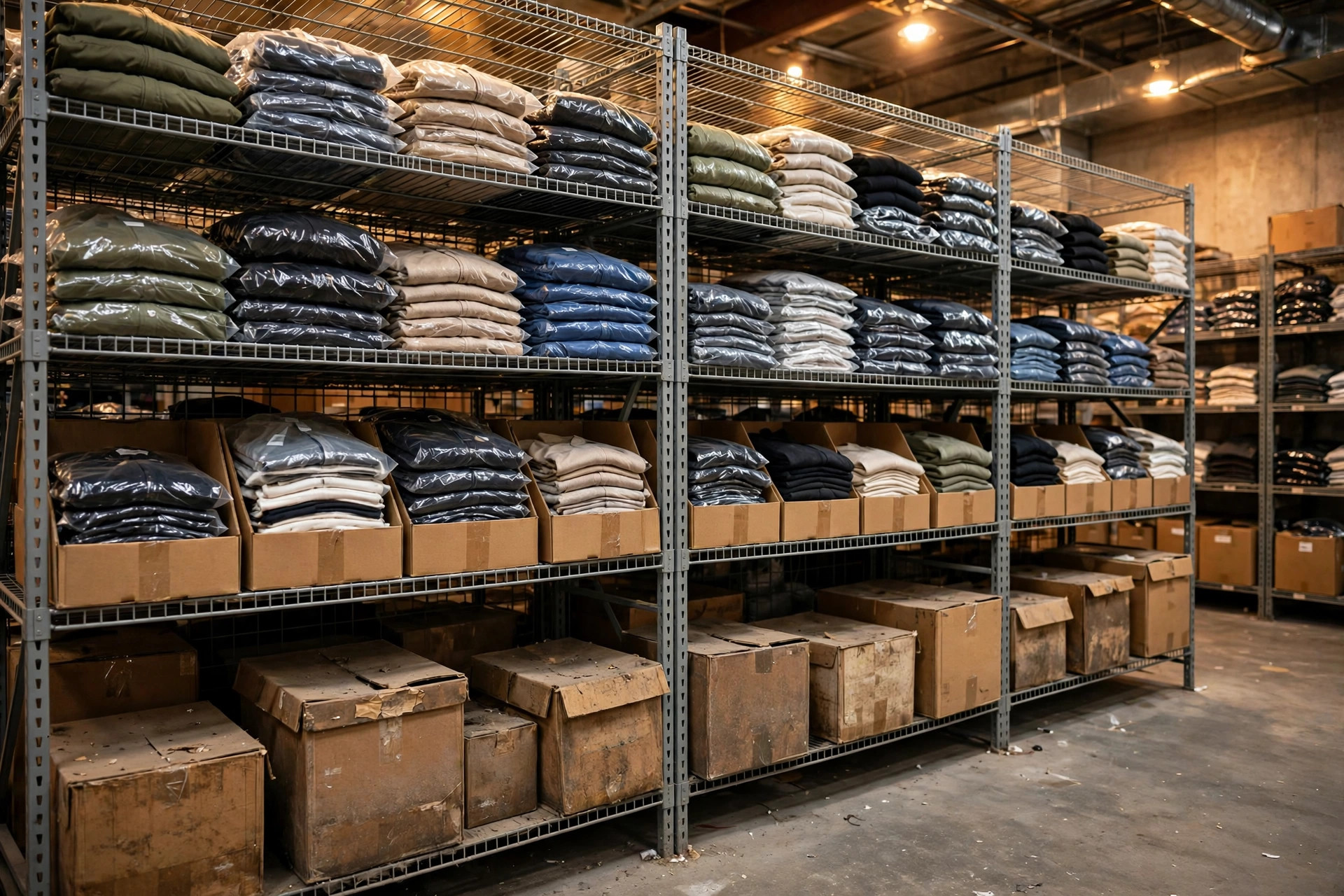
How old is the inventory, really?
Short answer: the built-in report can tell you the age of the stock still on hand, bucketed by the posting date of the inbound entries behind it. It cannot tell you when a unit reached a particular shelf. It cannot rebuild last quarter’s ageing picture on demand. Read it inside those two limits and it is a sharp retail tool. Read it outside them and it produces confident, wrong numbers.
What the standard report actually ages (and what it does not)
The Item Age Composition – Value report shows the value of on-hand inventory aged by receipt date, in three equal-length periods on an ending date, plus periods before and after. That sentence carries the whole method, so it is worth unpacking.
The values are the total cost of the remaining quantity for open inbound item ledger entries. The posting date of each entry determines its bucket. Stock that has already sold is not in the picture: the report ages what remains, entry by entry, not everything that ever arrived.
That distinction matters after transfers and adjustments. An inbound posting date is a ledger fact. The day a unit was moved, displayed, or recounted is a different fact, and the report does not claim to hold it. A manager asking “how long has this been on that rail?” and a manager asking “how old is the remaining stock, by inbound entry?” are asking two questions. This report answers the second one.
| Question | What the report gives | What it does not give |
|---|---|---|
| How old is the stock still held? | On-hand value aged by receipt date, in three equal-length periods on an ending date, plus before and after | — |
| Which entries make up that value? | The total cost of remaining quantity for open inbound item ledger entries, bucketed by each entry’s posting date | Stock that has already left — the report ages remaining quantity only |
| What did ageing look like on a past date? | Nothing retrospective — see the snapshot rule below | A recreated as-of picture for a date that has passed |
Set the buckets to your season, not the default thirds
Three equal-length periods is a neutral design. Retail seasons are not neutral. The definition of aged stock varies by trade: retail and fashion commonly treat stock unsold for 90 days as aged, while electronics age over 6–12 months. A bucket boundary that means “act now” in fashion can mean “still current” in electronics.
So work backwards from the season, in this order. First, name the aged line for the trade — 90 days is the common fashion line, and a slower line fits longer-cycle goods. Second, pick the ending date so the three equal periods divide the season at points where a decision changes: still current, watch, aged. Third, write the meaning of each bucket on the output itself, so a reader in a later meeting does not re-interpret the thirds as calendar quarters or as a house rule nobody agreed.
The equal thirds stay equal. What changes is where they fall against the season, and what each one triggers.
Run it per store: where the old stock is sitting
A chain total hides the store where stock is stuck. The report can be filtered by location and by item, and the location filter is the one that turns ageing from a finance number into a store action.
- Set the ending date for the run, using the season reading settled above.
- Apply a location filter for one store and run the report. Record the value in the oldest bucket and the total on-hand value for that location.
- Repeat for each location, with the same ending date and the same bucket reading. Changing the date between stores breaks the comparison.
- For the location with the largest oldest-bucket share, run again with an item filter to name the items behind the bucket, rather than debating a store total.
- File each location output with its ending date in the file name. The reason is in the next section.
What success looks like: one output per location, all on the same ending date, each readable on its own — and a short item list for the one store that needs action first, instead of a chain average that needs action nowhere in particular.
The snapshot rule: file the ageing on the day you will be asked about
The ending date is not an as-of date. Changing it shows ageing periods based on the current inventory value — it re-buckets the stock held now, under a different date label. It does not recreate the stock position of that past date.
The consequence is blunt. To evidence ageing at a past date — for example for a bank — the standard reports had to be run on that day. Miss the day, and the remaining route is restoring a backup. No filter setting repairs a snapshot that was never taken.
Treat ageing outputs the way period-end outputs are treated anywhere else: run on the day, file on the day, label with the ending date and the location. A filed snapshot is evidence. A rerun next month is a new snapshot with an old label, which is worse than no snapshot, because it looks like evidence.
Disclaimer: ageing figures used for lending, valuation, or other external commitments should be the filed snapshots, reconciled through the normal finance process — not a rerun produced for the meeting.
Read the result: age by value, then by item
Read in two passes. Value first: the report’s figures are cost values of remaining quantity, so the oldest bucket states how much money is sitting in the oldest stock, per location. That is the exposure number, and it is the one that belongs in a management conversation.
Item second: filter to items inside that bucket and the conversation changes from exposure to action — move it, mark it down, or hold it with a reason. Keep the two passes separate. An item list without the value pass produces activity; a value total without the item pass produces anxiety. Neither alone produces a decision.
| Reading | Signal | Decision |
|---|---|---|
| Value, chain-wide | Oldest bucket is a small share of total on-hand value | Hold the routine; re-check next month on the same ending-date discipline |
| Value, per location | One location carries a disproportionate oldest-bucket share | Run the item pass for that location first; leave the other stores out of the action list |
| Item, inside the oldest bucket | Named items account for most of the bucket value | Decide per item — transfer, markdown, or hold with a recorded reason and a review date |
| Any reading, past date requested | No filed snapshot exists for that date | Say so plainly; do not substitute a rerun with a changed ending date |
Monthly ageing routine checklist
- Ending date set, and the season reading of the three equal periods written on the output.
- One run per location, all on the same ending date; chain total kept separate from store outputs.
- Oldest bucket read by value first, then by item for the location that needs action.
- Every output filed on the day it was run, labelled with ending date and location.
- Any past-date request answered from a filed snapshot — or answered with “no snapshot exists,” never with a re-bucketed rerun.
, Dex Carter, Tech Writer
IndexBack to all guides →