Sandbox environments for retail: testing LS Central changes before they hit the live till
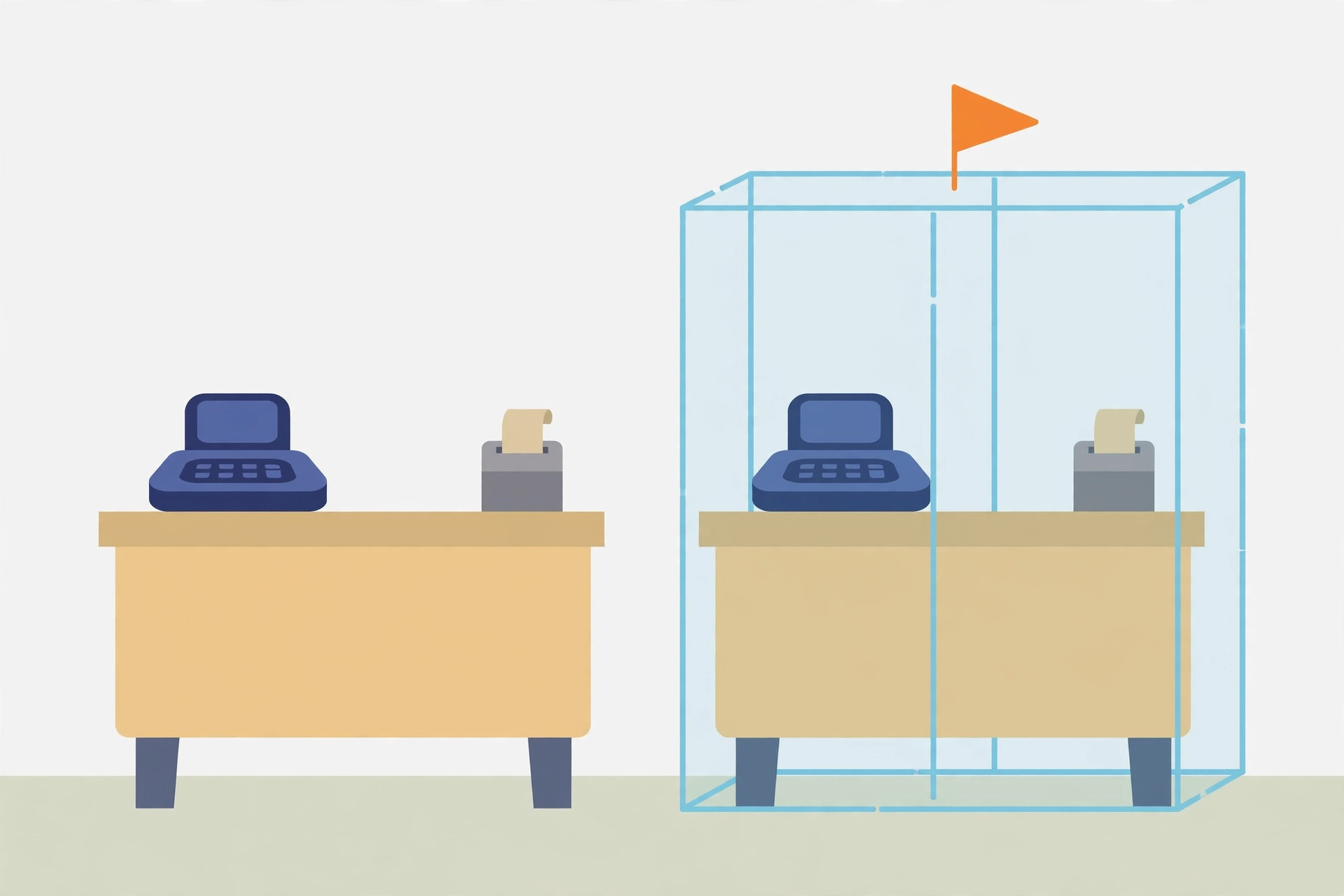
A price change, a new tender, a receipt tweak, an LS Central update: in retail, every one of those is a till problem waiting for a Saturday morning if it goes straight to production. A sandbox is the rehearsal stage — a non-production environment, isolated from production, where changes can be tested, training can happen, and problems can be troubleshot without touching live store data or settings. LS Retail's own guidance for testing on the SaaS platform says the same thing in one line: create a sandbox by copying the production environment. The value of this guide is everything around that one line — picking the right starting point, making the copy safe, and knowing which test results do not carry over to the live tills.
Pick the right starting point
Not every sandbox starts from the same place, and the starting point decides what a test actually proves:
| Starting point | What it contains | Use it for |
|---|---|---|
| Copy of production | All companies and their data, all per-tenant and Marketplace extensions installed in production, on the same application version as production | Testing a change against real store configuration and real items — the default choice for LS Central work |
| Fresh sandbox | An empty environment for setup, learning, and training | Training and exploration; if anything goes wrong it can simply be deleted and started over |
| Copied company (same environment) | One company duplicated inside the environment it already lives in | A quick, narrow test — but note this happens inside that environment, so inside production it is not isolated testing |
Two hard limits shape the plan. First, a single company cannot be copied from production into a sandbox — copying the production environment copies every company and its data; moving just one company's data is a configuration-package job instead. Second, the sandbox budget is finite: Premium and Essential subscriptions include one production environment and three sandbox environments, and tenant database storage (80 GB plus a per-user allowance) is shared across all environments. If the tenant is over its storage limit, creating additional environments is restricted until space is freed — check the count before promising anyone a fresh sandbox by Friday.
Procedure: copy production into a sandbox
- Open the Business Central administration center and go to Environments. Sandbox environments are managed there, by an administrator — not from inside the store's Business Central company.
- Select the production environment to open its Environment Details page, and choose the Copy action.
- In the Copy environment pane, set the type to Sandbox and give the new environment a name that carries its date and purpose — the refresh guidance is explicit that a name showing when the copy was made, and why, prevents the classic "which sandbox is current?" confusion.
- Choose Create. No backup of production is needed first, and users do not need to be out of the system while the copy runs.
- Watch the state go from Preparing to Active on the environments list; the Operations page carries the detailed status of the copy. The original production environment stays active and untouched throughout.
- Open the sandbox from its own URL and confirm the address bar really shows the sandbox before changing anything. Every later mistake in sandbox testing starts with someone working in the wrong environment.
What success looks like: the new environment shows Active, it contains the production companies and the LS Central extensions that were installed and published in production, and the whole team can state which environment is the test one without checking.
Make the copy safe before anyone tests
A production copy is a faithful copy — including the machinery that talks to live stores. In LS Central, replication runs through scheduler jobs: web replication is an internal Business Central process that does not need the Data Director, it is switched on at the Scheduler Job Card (codeunit 99008923, the same codeunit used for Data Director replication, plus the Use Web Replication setting), the web replication module itself runs under a scheduler job on codeunit 99009521, and every destination location needs a valid Web Server connection on its Distribution Location Card. Read that list as a pre-flight checklist for the copied environment:
- Inventory the copied scheduler and replication jobs first. Before any test transaction is entered, list which jobs the copy brought with it and which distribution locations they point at. A copied job that still targets a live location is the one accident a sandbox exists to prevent.
- Expect blocked outbound calls, and plan for them. In a sandbox, outbound HTTP calls from apps and extensions are blocked by default; each extension must be allowed individually on its Extension Settings page (Allow HttpClient Requests), library apps included, or the runtime blocks the request to prevent accidental use of production services. A test that "fails to connect" in the sandbox may be this safety working as designed — allow the specific extension, note the change, and move on.
- Remember what did not copy. If the production environment was linked to a Power Platform environment, the link is not copied — the new environment is linked to nothing. Tests that depend on that link need it re-established deliberately, or skipped and tested another way.
- Set the experience level if needed. The full standard functionality can be enabled in a sandbox by setting the Experience field on the Company Information page to Premium, and the Designer is enabled in sandboxes for layout experiments.
Run the till test cycle
- Make one change at a time in the sandbox — the LS Central change under test, and nothing else — so a failure has exactly one suspect.
- Test the store-facing paths, not just the back office: the sale itself, the tender being changed, the receipt that prints, and the end-of-day flow the store already uses. A change that posts correctly but breaks the statement routine is not a pass. (The end-of-day checks in the statement reconciliation guide double as a sandbox test script.)
- Record the verdict against the change, not the data. What ships to production afterwards is the change — a setting, an extension version, a layout — applied fresh in production. Test transactions, test statements, and test data stay in the sandbox and are discarded with it.
- Promote carefully in the other direction too: a sandbox holding Preview versions of Marketplace apps cannot be copied to a production environment; update those apps to public versions or uninstall them first.
What success looks like: the change behaves identically through a full trading cycle in the sandbox — sale, tender, receipt, close — with the test notes naming the exact setting or version that production will receive.
What a sandbox cannot tell you
- Performance. Sandboxes run in a different Azure performance tier than production, so timings and throughput in a sandbox are not reliable evidence. If a test is really about performance or benchmarking, run it in a dedicated environment of the Production type, which matches the production experience.
- Exports. A sandbox that contains production data is still a sandbox — a database export cannot be requested for it. Data leaves a sandbox via Excel or RapidStart, or by copying the environment to a production environment first.
- Debugging parity. The sandbox's debugging endpoint is open by default, so Visual Studio Code can attach and publish directly. That convenience exists precisely because the sandbox is not production — do not read it as a production capability.
Refreshing and retiring a sandbox
There is no refresh button. Refreshing a sandbox means deleting it and creating a new copy of production, which is then an exact copy of production at that moment — so schedule refreshes like small projects: warn anyone testing in the old sandbox, because a deleted environment cannot be recovered without Microsoft support, who alone hold the backend access to restore one to a point in time. When a test cycle ends, delete the sandbox deliberately rather than letting three stale copies sit against the tenant's allowance, each one quietly ageing away from the production it claims to mirror.
Decision framework: what to test where
| Change or question | Where | Why |
|---|---|---|
| LS Central setting, tender, or layout change | Sandbox copied from production | Real configuration and data shape, zero live-store risk |
| Staff training on a new routine | Any sandbox | Isolated by definition; delete and recreate if it gets messy |
| "How fast will this run at peak?" | Production-type environment, not a sandbox | Sandbox performance tier differs from production |
| One narrow question about one company | Copied company, or configuration packages for the data | A whole-environment copy is heavier than the question |
| Anything involving live replication to stores | Production, under change control — never the sandbox copy | The copy's scheduler jobs are a hazard to inspect, not a test rig for live locations |
Note: environment limits, copy behaviour, and LS Central replication details reflect the Microsoft and LS Retail documentation as of October 2026. Sandbox counts and storage allowances vary by subscription, so confirm the tenant's actual entitlements in the administration center before planning a test cycle around them.
FAQ
How many sandboxes can a store have? Three are included with Premium and Essential subscriptions, alongside one production environment; each additional production environment purchased brings three more sandboxes. Tenant storage is shared, so copies of a large production environment consume real allowance.
Can just the live company be copied into the sandbox? No. Copying an environment copies all of its companies and data. For one company's data, use configuration packages — or copy a company inside a single environment via the Companies page.
The sandbox feels slower than production. Is it broken? No — sandboxes run on a different performance tier. Treat sandbox timings as functional evidence only, never as a benchmark.
IndexBack to all guides →