 BC LS Retail Tips
Room Types and Room Inventory: Modelling What You Actually Sell
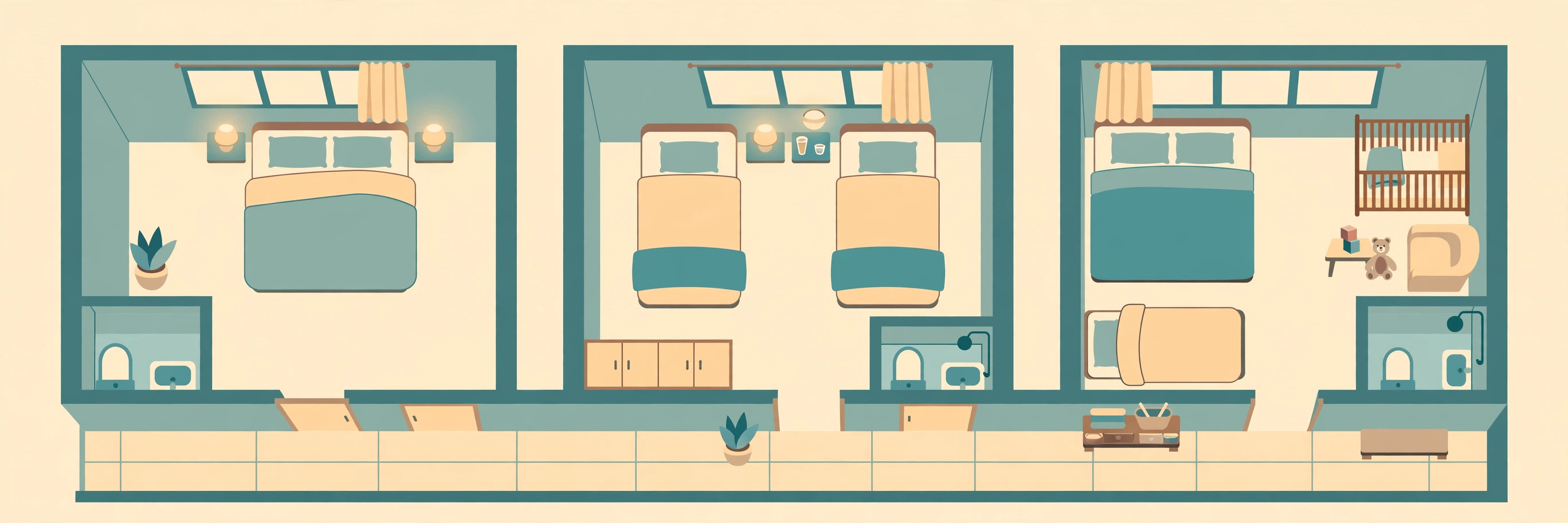
A room type in LS Central is not a label for the brochure. It is the unit the property sells: the hotel manages availability by room type, and every room in LS Central for hotels must have a Room Type. Get the types wrong and the error is not cosmetic, availability, housekeeping, and channel sales all inherit it.
That definition sets the modelling rule for everything below. Draw type boundaries around what a guest can actually be promised, bedding, occupancy, and the real differences between physical rooms, not around the architect’s plan or the marketing names. Vendor help documents the Room Type and Rooms pages field by field; it does not tell you how many types to have. That judgement is the work here.
Draw the boundaries: bedding, occupancy, and promises you can keep
Start from the fields a type actually carries. The Room Type General FastTab includes Bed Type, No. of Persons, No. of Adults, No. of Children, No. of Extra Beds, and No. of Cribs. Those fields are the promise: a reservation against this type can be sold to that party size, with that bedding, with that many extra beds and cribs. If two groups of rooms differ on any field a guest will rely on, they are candidates for separate types. If they differ only in ways no guest is promised, a slightly different view corridor, a newer carpet, splitting them buys administration, not accuracy.
| Difference between rooms | Separate type? | Reasoning |
|---|---|---|
| Different Bed Type, or different adult/child/extra-bed/crib capacity | Yes | The General FastTab promise changes; selling both under one type means the system can promise a configuration a specific room cannot deliver |
| Different housekeeping workload, check-in, stayover, check-out, vacant, or room-swap rules | Usually yes | Housekeeping rules are carried per room type, so a real workload difference needs a type boundary to be scheduled correctly |
| Different building, wing, or floor only | Usually no | Building, Wing, and Floor are fields on the physical Room record, not reasons to split the sellable unit, unless location is itself part of the promise being sold |
| A nicer name for marketing | No | A type that exists only as a label fragments availability: each type is counted and sold separately, so vanity types strand rooms that could have filled another type |
The failure modes are symmetric. Too few types and the system promises configurations individual rooms cannot keep. Too many and availability splinters into pools too small to sell reliably, a guest is told a type is full while a near-identical room sits empty under a different type.
Create the types: occupancy limits and housekeeping rules
Order matters: Rooms are set up only after Room Types exist. Build the types first, in this order:
- Create each Room Type and complete the General FastTab: Bed Type, No. of Persons, No. of Adults, No. of Children, No. of Extra Beds, and No. of Cribs. Set these to what the rooms in the type can genuinely deliver, not the best room in the group.
- Complete the Housekeeping FastTab for the type: the check-in, stayover, check-out, vacant, and room-swap housekeeping rules. These rules can be overwritten per room type, so a type whose rooms turn over differently should carry its own rules rather than inheriting a default that fits nobody.
- Review the Restrictions FastTab on the Room Type page as part of the same pass, so stay restrictions are designed with the type rather than patched onto it later.
- Only then create the physical rooms against the finished types.
Map every physical room, and reconcile the counts
The physical layer is the Room record. Each room carries Property, Room Type, Name, Building, Wing, and Floor. Buildings, wings, and floors are not free text: they are maintained in their own lists, the Hotel Wing List and Floor List among them, and referenced by the room. Keep those lists clean before room creation, or the same wing ends up spelled three ways and reporting splits with it.
Then reconcile. The count of physical rooms assigned to each type must equal the count the property actually operates under that type. Walk the property list room by room: every physical room appears exactly once, carries the type its bedding and occupancy actually match, and no room is left untyped, an untyped room cannot exist in this model, since all rooms must have a Room Type, and a room with the wrong type is availability the property will sell incorrectly.
What success looks like: pick any type, and the room list under it is exactly the set of physical rooms a guest booked into that type could be given.
Connect the channels: BEC mapping before the type can sell
A type that exists in LS Central but is not mapped does not sell online, it simply never reaches the channel. For SynXis through the Booking Engine Connector, room types must exist in the BEC Mapping table, with the SynXis room type code entered in the Channel Mgt Value field. Mapping is not a finishing touch; it is a precondition for every sync that follows:
- Rates sync via Send Rates on the BEC Rates page.
- Room inventory syncs via Send Inventory on BEC Inventory.
- Stay restrictions sync via Send Restrictions.
Each of those requires the room types to be mapped first. So the setup rule is strict: no type is “done” when it is created. It is done when it is mapped, and the mapping is re-checked every time a type is added, renamed, or retired.
Verify availability the way a guest (and a channel) sees it
Finish with a verification pass across both views of the same truth:
- In the system: the Hotel Availability table syncs with the BEC Room Type Inventory table per BEC Code and Property. Confirm availability per type matches the reconciled physical counts, less rooms genuinely out of service.
- On the channel side: Send Full Inventory should be done once a day, with availability changes inserted as SyncType=Delta records between full sends. Only records with BEC Process Status Ready are processed, a stuck record is a silent availability freeze, so check for records that never left Ready.
- If Auto Send Inventory is in use, remember its scope: it sends availability changes to the channel manager automatically, and it is SynXis only.
- On the channel itself: search each type as a guest would. A type that cannot be found, or shows availability that disagrees with the reconciled count, fails the pass, trace it back through mapping first, then inventory sync.
The model is finished when three numbers agree for every type: the physical rooms on the floor, the rooms assigned in LS Central, and the inventory the channel is selling. Keep them agreeing, and a room type stays what it should be, a promise the property can keep.
, Dex Carter, Tech Writer
IndexBack to all guides →