 BC LS Retail Tips
LS Central On-Prem Installation Order: Components, Services, and First Login
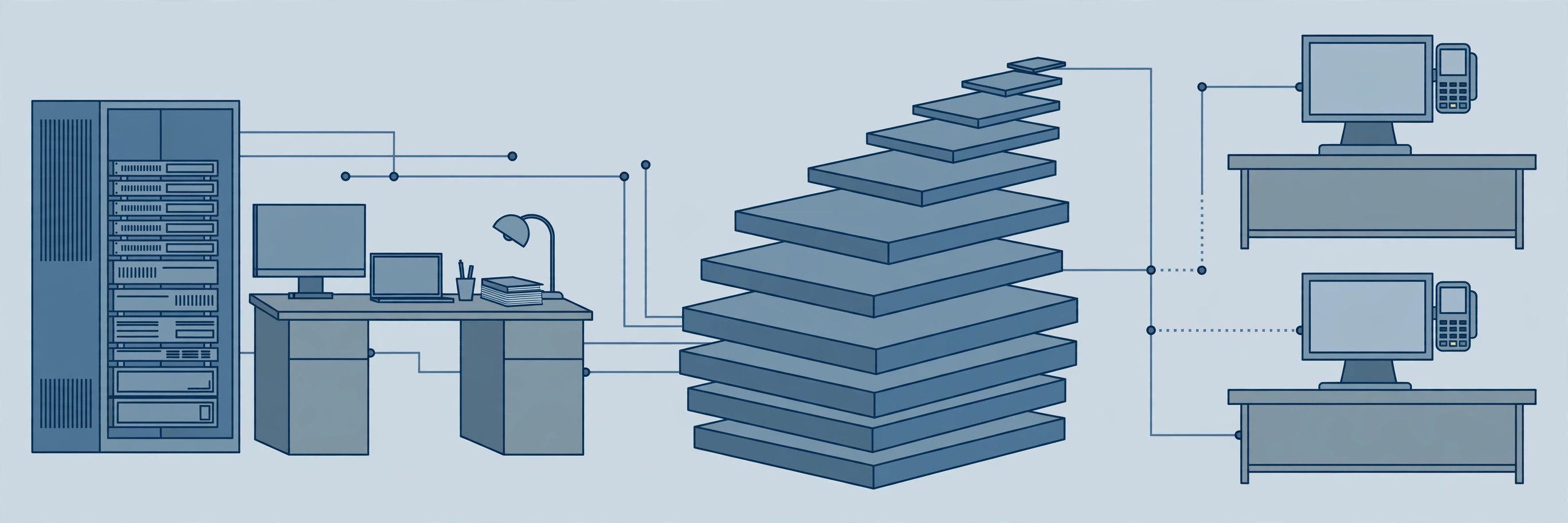
Decide the install order before running any installer. On-premises LS Central is not one setup program run everywhere, the components a machine gets depend on its role, and running them in the wrong order or on the wrong machine is what makes first login and replication fail in ways that look unrelated to the install. This guide sequences the documented components by role: head office first, then store and POS, with the one topology decision, local or shared service tier, made up front.
Decide the topology before you run any installer
A service tier is the Business Central service layer a client connects to. Each POS faces a placement choice for that tier, and the installer selections follow from it:
- A POS with its own service tier on the same computer performs best, at the cost of more components to install and maintain on that machine.
- A POS sharing a service tier keeps the POS install minimal, and a shared tier can simplify replication and setup; failover can be handled via LS Central Start.
Neither answer is wrong. What is wrong is deciding per machine, mid-project, so two tills in the same store end up built differently. Pick one pattern per store, write it down, and install every terminal in that store the same way.
The order at a glance: accounts, database, Business Central, LS components
The documented sequence, in order:
- Run the Business Central installation with the Custom option.
- Install the LS Central Service Components and Data Director services.
- Install OPOS software, if OPOS printers are used.
- Install Hardware Station, for POS devices.
- Log in for the first time and run a replication smoke test (below).
One database detail sits underneath step 2: when service components are selected, a new MSSQL Express instance named LSCentral is created if none exists. Record the instance name each machine ends up with before moving on, later troubleshooting goes much faster when the database instance on every box is known, not guessed.
Note on versions: LS installation documentation is published across several versioned help sites, and component specifics can vary by version. Treat the selections below as the documented pattern and confirm them against the help version that matches the build being installed.
Head office: the full component set
Head office carries the complete set. In the installer, a head office machine selects:
- Client
- Service
- Data Director
- Data Director service
Underneath that, the Business Central installation at head office uses the Custom option with: Client (with Development Environment and Excel Add-In), Administration Tool, Server (with Outlook Integration), SQL Server Database Components, Web Server Components, and Help Server. LS Central Service Components and Data Director services follow.
OPOS and Hardware Station are optional at head office, install them only if printers are used there for processes or testing. Skipping them at head office is not a gap; it is the documented position.
Store and POS: local tier or shared tier?
The POS installer selections are the topology decision made visible:
| Machine role | Installer selects |
|---|---|
| POS with service tier on the same computer | Service, client, and Data Director |
| POS with a shared service tier | Client only |
| Head office | Client, service, Data Director, and Data Director service |
Read the table as a checklist, not a menu. A shared-tier POS that gets service components installed anyway now owns a database instance and services nobody planned to maintain. A local-tier POS installed client-only has nothing to connect to. After each POS install, compare the installed components against the row for its role before leaving the machine.
For the store server pattern, a machine that hosts the tier for several tills, apply the same logic: the machine carrying the service selects the service-side components, and the tills connecting to it install as shared-tier clients.
Data Director, Hardware Station, and OPOS in sequence
Data Director is the replication component, and its position in the order matters: LS Central Service Components and Data Director services come after the Business Central components, not before and not as a later add-on. Replication problems traced back to install day are often really order problems, the service layer was not in place when the rest was configured against it.
The device layer comes last, deliberately:
- OPOS software, only if OPOS printers are used.
- Hardware Station, for POS devices.
Devices are installed after the service and replication layers because there is nothing useful to test them against until those layers exist. A printer that cannot print during install week may simply be early, not broken.
First login and the replication smoke test
First login is a verification step, not a formality. Work through it in this order:
- Log in on the head office machine and confirm the client opens against the head office service and database.
- Log in on one store or POS machine and confirm it connects to the tier its topology says it should, its own, or the shared one.
- Confirm the Data Director services are present on the machines whose installer selections included them.
- Run a small replication smoke test: make one minor, easily reversed change at head office and confirm it is the kind of change the store machine can receive once replication is configured.
- Only then repeat the POS install for the remaining terminals, using the identical component selection.
What success looks like: every machine's installed components match its row in the table above, the database instance name on each service machine is recorded, head office and at least one POS both log in, and the device layer is present exactly where OPOS printers and POS devices are actually used, nowhere else.
Install-order verification checklist
- Topology decided per store (local tier or shared tier) before the first installer ran.
- Head office: Business Central Custom components, then client, service, Data Director, and Data Director service selected.
- Each POS: component selection matches its tier placement, service, client, and Data Director for local; client only for shared.
- The LSCentral SQL instance's presence (created or pre-existing) noted for every service machine.
- OPOS installed only where OPOS printers are used; Hardware Station installed for POS devices, after the service components.
- First login verified at head office and on at least one POS; component selections re-checked against the role table before rollout continues.
Get the order right and the install stops being archaeology later. Every machine can be described in one line, role, tier placement, components, and that line is what the next person inherits.
, Dex Carter, Tech Writer
IndexBack to all guides →