 BC LS Retail Tips
LS Central in the Cloud vs On-Prem: How Replication Changes When the Database Moves
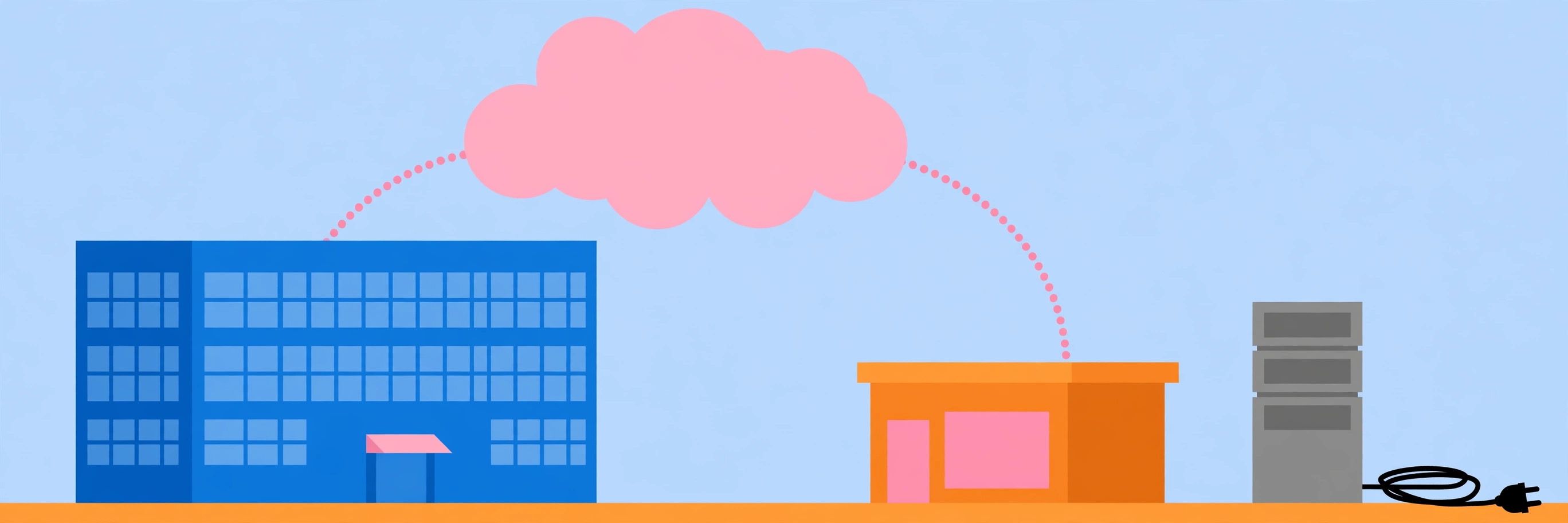
The migration plan has a line in it that looks harmless: move the replication along with the database. Keep the Data Director servers, point them at the cloud, carry on. That line is the myth this article checks, because in LS Central SaaS, the thing replication connects to stops being a database you can reach. Check the claim against LS Retail’s own replication guidance and a different picture comes out: replication in the cloud is not the old design relocated.
It is a different split of methods, with one familiar tool surviving in narrower jobs.
The myth: moving to the cloud just moves the Data Director too
The myth survives because parts of it are true. Data Director remains fully supported in the SaaS world, and web replication, not Data Director, is the recommended best practice for replication to or from SaaS. Both halves matter. A plan that assumes Data Director is dead will redesign legs that did not need redesigning. A plan that assumes nothing changes will draw direct database connections to a head office that no longer offers them. The sections below take the flows one at a time: what changes, what replaces it, and where the old tool legitimately stays.
What actually changes: the database is no longer directly reachable
On-premises, replication design starts from a reachable database. SaaS removes that starting point: LS Central SaaS does not support direct database access. Every consequence below follows from that one fact.
Data that used to move because a tool could read and write tables across servers must now move through mechanisms Business Central and LS Central expose deliberately, web services and internal replication processes. The clearest illustration is Analytics onboarding: because there is no direct database access, the Analytics setup replicates data through web services. Hold that example; it returns later, because the tool doing that work is Data Director, running somewhere that is not the cloud.
Master data down: Web Replication replaces the old legs
The replacement for most head-office-to-store legs is Web Replication. It replicates between databases or companies without the Data Director, as an internal Business Central process, in two steps: first a request to the web replication module, then the replication itself. It comes in two shapes. Point-to-point Web Replication suits replicating between different environments. Company-to-company Web Replication, an LS Central 26 capability, replicates between companies in the same environment without web service calls.
Switching a scheduler job to it is a small, specific change:
- Open the Scheduler Job Card for the job that should replicate over the web.
- Set Object No. to codeunit 99008923.
- Select Use Web Replication.
- Run the job and confirm both steps complete: the request to the web replication module, then the replication itself.
What success looks like: the job runs as an internal Business Central process with no Data Director host in its path, and the destination shows the replicated data. If a design review still shows a DD server between head office and a SaaS destination for ordinary master data, the design is carrying the myth.
Transactions up: offline POS to a SaaS head office
The upward flow is where the recommendation is most explicit. For a SaaS head office with offline POS, Web Replication with Azure Storage is the recommended route. LS Retail’s mastering guide prefers it over Data Director on the Hybrid Component Server on four grounds: lower cost, simpler setup, easier upgrades, and faster performance in LS Retail’s tests.
In the other direction of the same pairing, offline POS to HO SaaS also uses Web Replication, which transfers all fields in the transaction tables, including extension fields. The POS side of that flow is configuration, not code: the POS Functionality Profile needs Send Transactions, Use Background Session and Use Web Replication activated.
Scale changes the answer once. LS Central 26.1 added Send Transactions by Storage Queue for large offline estates, the option to weigh when many offline terminals send into one SaaS head office. Below that scale, the Azure Storage pattern is the documented default, and choosing the heavier machinery early buys complexity without a problem to spend it on.
Where Data Director legitimately survives
Two roles survive the move, and both are specific. The first is hybrid estates. Data Director remains fully supported and is a valid alternative where the topology calls for it. LS Retail’s guidance for hybrid setups is careful method selection by topology, security and network policy, not a single mandated tool. The second is Analytics. SaaS Analytics onboarding replicates through web services, and that replication is done by Data Director, which can only be set up and run from a virtual or physical machine. The practical consequence deserves plain words: a SaaS Analytics setup cannot be completely in the cloud. Somewhere in the design there is a real machine, owned and maintained by someone, running the Data Director leg. Budget for it in the migration plan rather than discovering it in the onboarding checklist.
The limits that shape a hybrid design
Web Replication’s limits are documented and short enough to design around, if they are read before the design, not after:
- Push only. The From Location can only be the current location. A design that needs a destination to pull from SaaS head office cannot be expressed as a Web Replication job from that destination.
- Add-Update only. Normal jobs support Add-Update, not Delete. Deletions at head office do not ride this mechanism down; anything whose lifecycle depends on propagated deletes needs another answer.
- Identical tables only. Only identical tables replicate. A leg that transforms or reshapes data in transit is not a Web Replication leg.
LS Retail’s own list of common mistakes reads like the myth’s consequences: setting up standard replication to pull or push from a SaaS head-office database, and attempting Data Director with web services between the Hybrid Component Server and POS terminals. Both mistakes start from designing against a database that SaaS does not expose. The limits above are the checklist that prevents them: if a proposed leg violates one, the leg belongs to the hybrid side of the design, or does not belong at all. At the extreme, a full SaaS architecture may not need replication at all; the first design question is whether a leg should exist, not which tool should run it.
Migration checklist: on-prem replication to cloud replication
- Inventory every existing leg by flow, master data down, transactions up, Analytics out, and mark each leg’s endpoints: on-prem, SaaS, or offline POS.
- Delete legs the SaaS model makes unnecessary. A full SaaS architecture may need no replication for a flow at all; a leg with no remaining purpose should not be rebuilt in a new tool.
- Assign Web Replication to SaaS legs by default, point-to-point between environments, company-to-company (LS Central 26) within one environment, and convert scheduler jobs with codeunit 99008923 and Use Web Replication.
- Set the offline POS pattern explicitly: Web Replication with Azure Storage toward the stores, Web Replication for transactions up, the three POS Functionality Profile settings on, and Send Transactions by Storage Queue (26.1) evaluated if the estate is large.
- Test every surviving leg against the three limits, push-only, Add-Update only, identical tables. A leg that fails a limit is a hybrid design decision, made deliberately.
- Place Data Director only where it survives: hybrid legs that need it, and the Analytics leg, with a named virtual or physical machine to run it from, since that leg cannot be fully cloud.
- Grep the final design for the two documented mistakes: standard replication pulling or pushing from the SaaS head-office database, and Data Director with web services between the Hybrid Component Server and POS terminals. Either string in the design means the myth got in.
The verdict the evidence supports: the cloud move does not retire replication, and it does not relocate it unchanged. It splits it. Web Replication takes the SaaS legs, Data Director keeps the hybrid and Analytics work it is still suited to, and the design skill moves from running one tool well to knowing which legs exist at all.
, Dex Carter, Tech Writer
Keep readingNext: Multi-Company Replication: Head Office, Franchisees, and Who Owns the Data →