Item categories, attributes, and hierarchy: structuring the item file so reports work
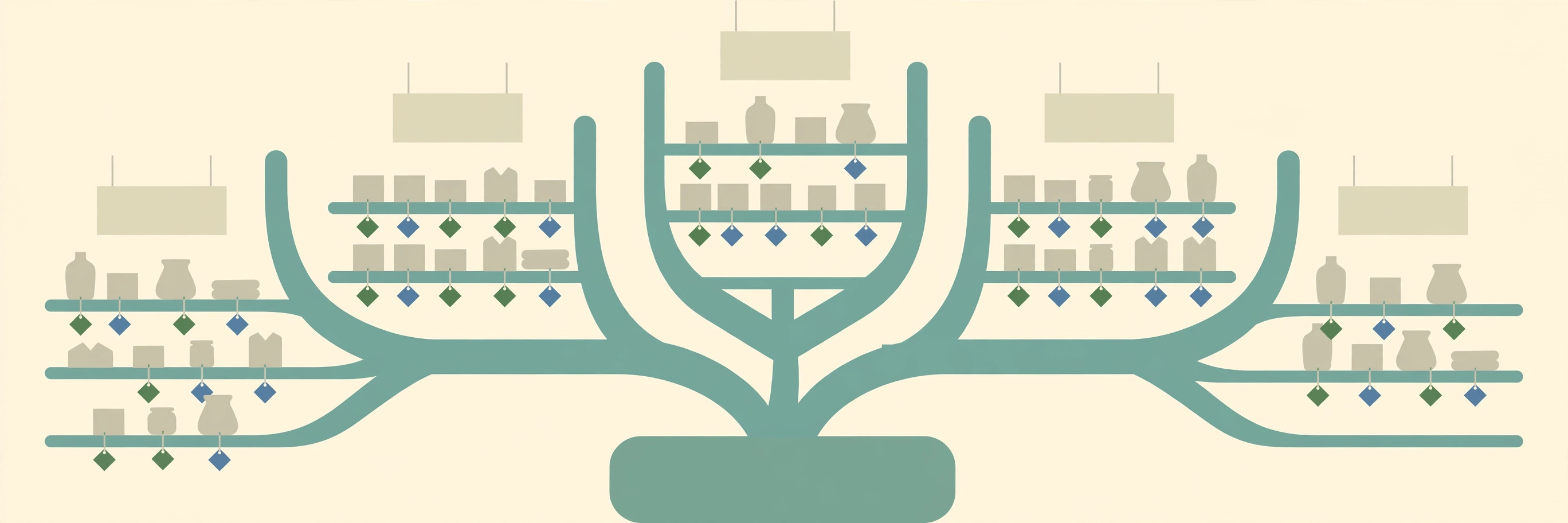
Most broken retail reports are not report problems. They are item-file problems that became visible in a report. A buyer wants sales by season, or stock by colour, and the data to answer the question was typed into item descriptions — in three spellings, in two languages of abbreviation, by four different people. Categories, attributes, and hierarchy exist to stop that happening. Used properly, they give every characteristic exactly one structured home. Used interchangeably, they produce a tree nobody trusts and reports nobody opens.
Three tools, three different jobs
Business Central's own documentation draws the lines clearly. Categories and attributes are two different ways of grouping items, and a variant is a third thing again: an indication that a specific item is available in different colours or sizes. The worked example in the documentation uses categories to group chairs versus desks, attributes to group green items versus blue items, and variants on each chair and desk so that a report such as Item Availability by Variant can show the difference between the blue chairs and the green chairs. That one example contains the whole discipline:
| Tool | Question it answers | Retail example |
|---|---|---|
| Item category | What kind of thing is it, and where does it sit in the tree? | Chairs, under Furniture |
| Item attribute | What is true about it that someone will search or filter by? | Colour: Green; Model Year: 2010 |
| Item variant | Which sellable version of it is this? | The green chair, as distinct from the blue chair |
| Description | What should a human read on a document? | A name — not a storage place for colour, season, or size |
The last row is the rule that makes the other three work: keep attributes out of item descriptions. If an item is black, or belongs to a summer season, that fact belongs in an attribute, not in the description text. Left in the description, the fact cannot be filtered, cannot be validated against a list of allowed values, and cannot be reused cleanly when item templates create the next hundred items. Clean data is the most useful thing anyone can hand a retail system — processes cannot fix what they do not know, and unknown or messy data should be cleaned before it is entered and relied on, not after the reports fail.
The Business Central layer: categories, parents, and attributes
Item categories maintain an overview of the item file and help sort and find items. A category is created from Item Categories, with the New action, filling in the General FastTab on the Item Category Card and specifying any attributes on the Attributes FastTab. An item joins a category through the Item Category Code field on its item card.
The hierarchy comes from the Parent Category field. If a category has a parent, the attributes assigned to the parent are prefilled on the child's Attributes FastTab — and on the attributes page itself, that inheritance is visible in the Inherited From field. Attributes assigned to a category automatically apply to the items assigned to that category. Inheritance is leverage and risk in equal measure: one correct attribute on a parent standardises a whole branch, and one wrong attribute on a parent quietly standardises the same mistake everywhere below it. Build parents first, check them twice, then build children. One housekeeping rule follows from the structure: a category that is assigned to an item cannot be deleted until that assignment is removed first — reorganising the tree is a reassignment exercise, not a deletion exercise.
Attributes themselves are created from Item Attributes, with the New action. An attribute of type Option carries a predefined list of values, maintained through Item Attribute Values — that list is what turns free text into reportable data. Assigning an attribute to a single item is done from the Items page with the Attributes action, choosing the attribute and its value, such as 2010 for a Model Year attribute; for an Option attribute, the value is picked from the list. Assigning to a category is done on the category's Attributes FastTab, where a Default Value is chosen for the attribute. The payoff is immediate and practical: on the Items page, Filter by Attributes filters the list by attribute values. Values with a fixed list, such as Color, are selected directly; variable values are filtered with a condition, such as Begins With, on a page where — to use the documented example — a Material Description beginning with "blue" can be found deliberately, instead of by scrolling and hoping.
The LS Central layer: Division, Item Category, Product Group
A retail item file in LS Central carries a second, retail-native grouping: Division, Item Category, and Retail Product Group. This is not decoration. In LS replenishment, a Data Profile — a container holding a replenishment method and its parameters — can be assigned to a Division, an Item Category, or a Product Group, and every item in the group automatically inherits the group's Data Profile. Where a retailer's grouping does not line up with those three levels, Hierarchy Relations provide a flexible way to define item and store hierarchies and link items and stores to them, with Data Profiles assignable to the relations as well. The grouping a store chooses for tidiness on Monday is the grouping its replenishment runs on Friday. Structure is an operations decision, not a filing preference.
LS attributes add a further layer, and they are broader than the Business Central version. LS attributes can characterise items, variants, variant framework base values, stores and restaurants, customers, deals, and dining preferences. They can be shown on the POS, and they can be used for filtering in search functions and for selecting and sorting items and deals. Their values are typed — Text, Numeric, Amount, Date, File, Option Value, Table Link, and Weighted Option among them — and linking decides which records an attribute attaches to: all items and variants, or items in a division, an item category, or a retail product group, or specific items. Default values can be set per attribute and per linking line, and when several lines could apply, the program finds the most specific one — first a line whose number matches the item itself, then division with item category and retail product group, then division with item category, and so on. Specific beats general, every time, which is exactly the behaviour a store wants from a well-built exception — and exactly the behaviour that makes a stray specific line dangerous.
LS replenishment data follows the same instinct in its own hierarchy. When replenishment looks for its parameters, the Item Store record has the highest priority and the Division record the lowest; between them, the search works through the item record, then a Product Group Data Profile, then an Item Category Data Profile, then the Division Data Profile. The principle worth printing on the wall is that LS Central resolves replenishment data and attribute defaults most-specific-first. Design for that principle and the system behaves predictably: a specific exception wins, a group default fills the gaps, and nothing depends on the order in which records happened to be created.
The decision rule, applied in order
For every fact about an item, ask four questions in order and stop at the first yes:
- Is it a different sellable version? If a customer chooses between them and stock is held per version, it is a variant.
- Does it define what kind of thing the item is? If it places the item in the tree that buying, ranging, and reporting share, it is the category — one category, in the right branch.
- Will anyone search, filter, sort, or report by it? If yes, it is an attribute with a controlled value list where the values are knowable in advance — colour and season are the classic cases.
- Is it none of the above? Then, and only then, it may live in the description as readable text for humans.
Run old descriptions through the same four questions during cleanup. Every colour, season, size system, and material that surfaces in the text is an attribute waiting to be created — and every one left behind is a report that will undercount forever, including the dead-stock analysis that depends on being able to group what is not moving.
Structuring procedure: build the tree before loading items
- Draft the category tree on paper first. Divisions and parent categories at the top, product groups below, no branch deeper than the business can maintain.
- Create parent categories before children. In Item Categories, create each parent, then each child with its Parent Category set, so attribute prefill flows the right way.
- Create the attribute list with value types decided. In Item Attributes, create each attribute; for list-driven characteristics, use type Option and build the allowed values before any item is touched.
- Attach attributes to categories, with defaults only where the default is truly universal. On each category's Attributes FastTab, add the attributes that branch shares and set a Default Value only where every item in the branch shares it.
- Set up the LS grouping in parallel. Confirm each item's Division, Item Category, and Retail Product Group, and assign Data Profiles at the group level only where the whole group genuinely replenishes the same way.
- Assign items last. Set the Item Category Code on each item card, then assign any item-specific attribute values from the Items page with the Attributes action.
- Audit with the tools the structure enables. Use Filter by Attributes on the Items page to pull one value — one colour, one season — and confirm the list matches what the business knows it stocks.
What success looks like
Pick one characteristic the business asks about constantly — colour is a good test — and filter the Items page by that attribute value. Success is a complete, believable list produced by the filter, with no second search through descriptions needed to catch the items the filter missed. Then open a child category and confirm its Attributes FastTab shows the parent's attributes as inherited, not retyped. If both checks pass, the structure is doing the reporting work. If the filter and the description search return different lists, the item file — not the report — is where the next hour belongs.
FAQ
Colour: attribute or variant? Both can be right, for different facts. Colour as a searchable characteristic is an attribute. Colour as a version the customer picks and the store stocks separately is a variant — and the variant can still carry the attribute for reporting.
Why did a new category already have attributes on it? They were inherited. Attributes assigned to a parent category are prefilled on the child, and the Inherited From field on the Attributes FastTab shows where each one came from.
Can a category be deleted and rebuilt? Only after its assignment to items is removed. Reassign the items first, then delete — the system protects the structure from being pulled out from under the items that use it.
IndexBack to all guides →