 BC LS Retail Tips
Folio Splitting and Merging: Corporate Guests, Shared Rooms, and Clean Bills
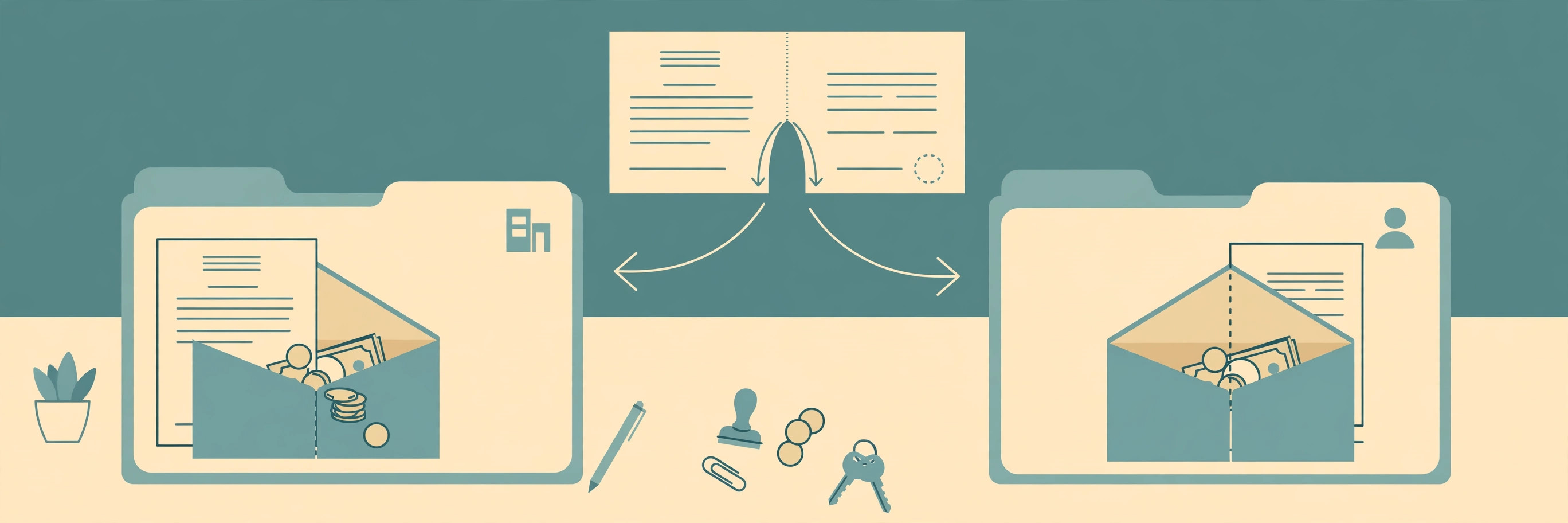
Two colleagues share a room. Their company pays for the room itself, one guest pays for her own incidentals, and a deposit was taken weeks ago against the whole booking. None of that is unusual, and none of it should be sorted out at checkout, with the guests standing at the desk and a queue forming behind them. The common assumption is that folio splitting is a checkout task: something the front desk does at the end, once the final bill is known. In LS Central the machinery points the other way. The split is decided by how the folios are set up and who pays each one, and that routing belongs at check-in. The Revenue Entries actions, moving, splitting, reassigning, are corrections and refinements, not the plan itself.
One warning before the teardown: folio splitting is not the split-bill feature used for a restaurant table. A hotel folio split divides charges between billing folios on a reservation. Keep the two separate in your head and in your training notes, because the screens, the vocabulary, and the purpose are different.
The misconception: splitting is a checkout job
Treated as a checkout job, a split becomes a negotiation under time pressure. Which lines does the company cover? Which guest took which charge? Where did the deposit go? Every one of those questions has a calmer answer earlier in the stay, when the reservation is being built and nobody is trying to catch a train.
The practical shift is simple. At check-in, decide the billing pattern first: how many folios this reservation needs, what type each one is, and who pays it. During the stay, post charges to the right folio as they occur. Use the move and split actions when a charge lands in the wrong place, they exist for exactly that, rather than as the method for building the bill from scratch on departure day.
How a folio is really built: invoice types and payers
A folio in LS Central carries an invoice type, and there are three: Guest, Company, and Paymaster. The type is not a label for filing. It determines where the payer comes from, which is the detail that makes a split bill clean or messy.
For a Guest folio, the Payer No. comes from the reservation's guest list, where the Guest No. is the Member Contact No. For Company and Paymaster folios, the Payer No. comes from the Customer list, and it defaults to the reservation's customer. So a company-paid folio is anchored to a customer record, while a personally paid folio is anchored to a guest on the reservation. If that anchor is wrong, a personal folio pointed at the company, a company folio with no proper customer behind it, no amount of line-shuffling at checkout fully repairs it.
Paymaster has a narrower job than its name suggests. It is only used on group reservations, where it combines payment for all sub-reservations within the group. It is not a general-purpose master bill for any busy reservation, and reaching for it outside a group is a category error: individual and corporate stays are built from Guest and Company folios.
LS Central's hotel offering is sold on exactly this flexibility, prepaying, split bills, and charging purchases directly to the guest account, plus split payments for group bookings across activities, dining, and accommodation. The capability is real. What the marketing line does not supply is the routing discipline, which is the property's own work.
Route at check-in: corporate, shared-room, and group patterns
Most hotel splits reduce to a handful of recurring patterns. Decide which pattern a reservation follows at check-in, create the folios that pattern needs, and brief the guest on what lands where while there is still time to change it.
| Situation | Folio setup | Payer source | Watch out for |
|---|---|---|---|
| Corporate guest; company covers the room, guest covers personal spending | One Company folio for the company-covered charges, one Guest folio for personal charges | Company folio: Customer list, defaulting to the reservation's customer. Guest folio: the reservation's guest list | Charges posted to the wrong folio during the stay, correct them the same day with Move to Folio, not at checkout |
| Two guests sharing one room, each paying their own way | A Guest folio per guest | Each folio's Payer No. comes from the guest list (Guest No. = Member Contact No.) | Shared charges that belong to both guests, divide them with Split Line Into rather than assigning them to whoever is standing at the desk |
| Group booking, one payer covering the sub-reservations | A Paymaster folio for the group | Customer list, defaulting to the reservation's customer | Paymaster is group-only, do not use it as a shortcut for ordinary shared rooms |
| Deposit taken before the billing split was decided | Keep the folios as planned; distribute the deposit afterwards | Deposit Assignment always considers the original invoice type | A deposit left unassigned makes every folio look wrong even when the charges are right, see the deposits section below |
These patterns are the decision framework. The test at check-in is one question: for every charge this stay is likely to produce, which folio should it land on, and who pays that folio? If the answer is unclear for a likely charge, a minibar run on a company-paid room, a second guest's dinner, settle the routing then, in conversation, not later, in arithmetic.
Move and split charges without breaking the bill
Charges will still land in the wrong place. A guest charges dinner to the room without saying which folio; a rate posts before the company folio exists. The Revenue Entries actions are the correction kit, and each one does a distinct job:
- Move to Folio reassigns charges to another folio. This is the consolidating move as well as the correcting one: moving every line from one folio to another is how two folios become one bill.
- Split Line Into divides a single charge into multiple lines, so the parts can then be routed to different folios, the tool for a shared charge that no single guest or company owns outright.
- Undo Split Line reverses a split line, for the moment a split turns out to be wrong or unnecessary.
- Change Paying Res. changes the paying reservation behind records, applied either to the selected records or to all records, which fixes routing at the reservation level rather than line by line.
Worked as a procedure, a mid-stay correction looks like this:
- Open the reservation's Revenue Entries and identify the misplaced charge lines before touching anything.
- If a single line belongs to two payers, use Split Line Into first and divide it into the parts each payer owns.
- Use Move to Folio to send each line, original or newly split, to the folio whose payer should carry it.
- If the charge sits on entirely the wrong reservation's billing, use Change Paying Res. instead, choosing selected records for individual lines or all records when the whole set belongs elsewhere.
- If a split was made in error, Undo Split Line before re-splitting; do not stack a second split on top of a wrong first one.
- Re-read the affected folios after the correction: each line should now sit under the payer who will actually be asked to pay it.
What success looks like: after the procedure, the sum of the folio totals equals the total before the correction, nothing created, nothing lost, and every line sits on the folio of the guest, company, or group payer responsible for it.
Make deposits follow the split
Splitting the charges and forgetting the deposit is the quiet failure in this area. A deposit collected up front sits against the booking, and until it is distributed, the folios it should reduce still show their full amounts.
Deposit Assignment is the mechanism: it splits deposits that have been collected but not yet assigned across the folios, and it always considers the original invoice type as it does so. The help's own example is a deposit of 200 divided 150 to one folio and 50 to another. Assignment lines carry the Target Reservation No. the Folio No. a Percentage, and an Amount, so a deposit can be divided by proportion or by fixed sums. Auto-Assign distributes the total collected deposit automatically between folios, but only between folios of the same invoice type, which is one more reason the invoice types have to be right before the money is spread over them.
The Deposits Overview is the control panel for checking the result. It shows Deposit Due, Paid, Used, Refund, and Balance for the reservation. Read the Balance sign carefully: a negative balance means the deposit is overpaid or not yet consumed, and a positive balance means it is underpaid. A split is not finished while a deposit that belongs to these folios is still sitting unassigned, quietly flattering one bill and inflating another.
Verify the set: every folio balances before departure day
The night before departure, or at a quiet moment mid-stay for longer bookings, run a short verification over any reservation with more than one folio:
- List the folios on the reservation and confirm each one's invoice type matches the pattern decided at check-in: Guest, Company, or, for groups only, Paymaster.
- Check each folio's Payer No. against its source: guests from the guest list for Guest folios; customers from the Customer list for Company and Paymaster folios.
- Scan the lines on each folio for charges that belong to another payer, and correct any strays with Move to Folio or Split Line Into while the guest is still in-house to confirm them.
- Open the Deposits Overview and confirm collected deposits have been assigned across the folios, with the Balance reading as expected for each side of the split.
- Add the folio totals together and confirm the sum matches the reservation's charges as a whole, the split changed who pays, never how much.
Done this way, checkout becomes a presentation, not a project: the company receives its folio, each guest receives theirs, the deposit is already where it belongs, and the desk's remaining job is taking payment. The split was the check-in decision; checkout is just where a good one shows.
Note: this guide is operational information about folio handling, not accounting or tax advice. Your property's billing policies and your accountant's direction govern how company billing is documented.
, Dex Carter, Tech Writer
IndexBack to all guides →