 BC LS Retail Tips
Designing Data Director Jobs and Subjobs That Don't Fight Each Other
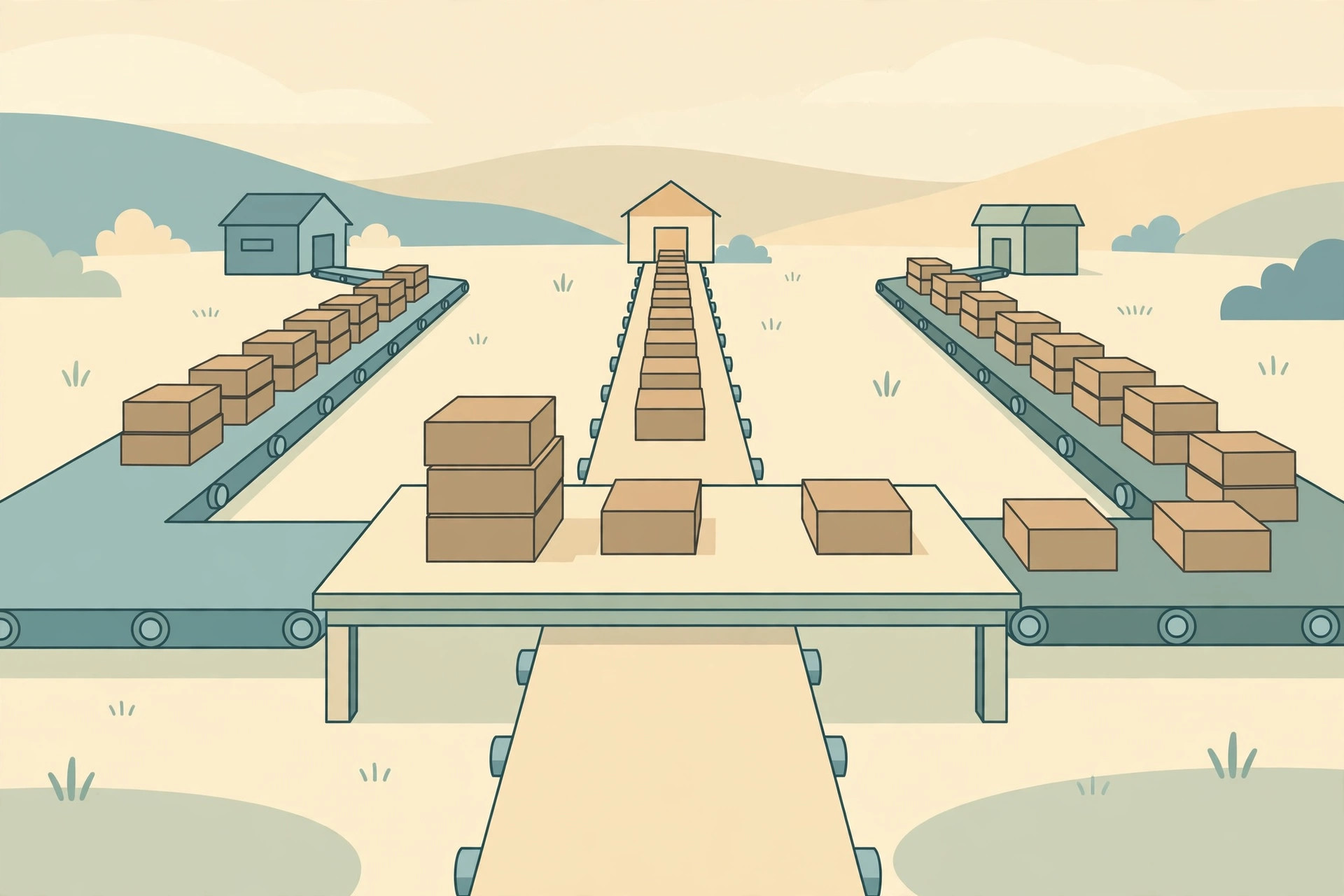
One big job feels simpler. Put every table into a single scheduler job, run it often, and there is only one thing to watch. That is the misconception this design method starts from. A single job gives every table the same direction, the same destinations and the same failure behaviour, so unrelated data starts to wait on each other, and a problem in one table family becomes a problem for all of them.
LS Central does not force that shape. A scheduled job is two layers, not one: a job header and its subjobs, and each layer carries different settings. Designing a replication setup means deciding, deliberately, what belongs on which layer and in what order the subjobs run.
First, verify what each layer actually controls
Before splitting anything, check the documented division of labour (spec verification, from LS Retail help and the partner walkthroughs behind it):
| Layer | What it defines |
|---|---|
| Job header | Error handling, To/From locations, compression types and scheduling |
| Subjob | The table schema source, the tables to replicate, replication methods, filters and linked tables |
Three more field checks belong in the same pass. The Lock Seq. column, a hidden column, sets the sequence number of execution of a subjob. The Subjobs Defined By Job field is normally the same as the Job ID, but a job is allowed to fetch subjobs defined in another job. And the job’s Distribution Sublocations setting has exactly three options: Excluded from Replic. Included in Replic. and Only Included in Replic. Note the limit attached to that field: sublocations do not work with Web Replication.
One assignment also belongs on the checklist rather than in memory: codeunit 99008923 (LSC Data Distribution WS) should be assigned to run replication with the latest version, for Data Director or Web Replication.
Split first by direction, then by table family
Direction is the first cut because the header carries the To/From locations. A job whose header points head office to stores and a job whose header points stores to head office are different jobs by construction; merging them merges two directions into one error-handling and scheduling decision.
Table family is the second cut. Implementation guidance for LS Central treats reviewing jobs and subjobs by purpose, finance vs retail vs procurement, as its own step, allocating about 2 hours to it. That split is worth keeping as a design rule: subjobs that share a purpose, a direction and a destination set belong together; subjobs that share none of those belong in different jobs, even if they could technically sit in one.
Each subjob itself moves data from one table to another, with the same design or via a database map. Keeping one table family per job keeps the filters and linked tables on those subjobs describing one coherent set of tables, instead of a mixed list nobody can reason about when a run fails.
Sequence subjobs with Lock Seq. so parents land before children
Within a job, order is a field, not a hope. Lock Seq. sets the sequence number of execution of a subjob, so the run order is something the designer assigns on purpose.
Use it for dependency order. Where one subjob’s tables are referenced by another subjob’s tables, the linked tables a subjob can carry are exactly where that dependency shows up, give the referenced data the earlier sequence number and the dependent data the later one. The parent records land first; the records that point at them follow in the same run, not the next one.
Keep the numbering legible. A sequence that reads as a deliberate order (grouped, with gaps for later insertions) survives editing; a sequence that grew by accident gets renumbered silently by the next change, and the dependency it encoded disappears with it.
Share subjobs on purpose: when Subjobs Defined By Job helps and when it couples jobs
Subjobs Defined By Job is normally the same as the Job ID. Changing it lets one job fetch the subjobs defined in another job, a reuse pattern, and like every reuse pattern it trades duplication for coupling.
Sharing helps when two jobs genuinely need the identical subjob set: the same tables, the same replication methods, the same filters. One definition then stays correct in both places, and a table added once appears in both runs.
Sharing hurts when the two jobs only look similar. From that point, editing the shared definition changes both jobs at once, including the job nobody was testing. A change made for one run window can alter another job’s tables, filters or linked tables without its header changing at all, so the job that breaks is not the job that was edited.
The decision rule is short: share subjobs only when both jobs should change together every time, forever. If the answer is “usually,” copy the subjobs instead and let the two jobs drift independently.
Size the header: error handling, compression and run frequency
The header settings named in the documentation are error handling, To/From locations, compression types and scheduling, and they are per job, which is the whole argument for the split above. Two jobs can run on different schedules, with different compression and different error handling, only if they are actually two jobs.
Two operational facts size the schedule. One job queue entry is used per scheduler job type, so every distinct job type is its own queue entry to plan around. And a job can be placed on hold while reconfiguring the network, the documented way to stop a job cleanly during a change instead of letting it run against half-edited subjobs.
One boundary case: no replication setup is required for the LS Central SaaS Online Model. This design method applies where scheduler jobs exist to be designed; where they do not, there is nothing here to tune.
A worked job map for a head office and its stores
As a design exercise, a map to adapt, not a vendor template, the splits above produce a map like this for one head office sending data to its stores:
| Job | Direction | Subjob families inside it | Ordering / sharing note |
|---|---|---|---|
| Retail master data | Head office to stores | Retail tables and their linked tables | Lock Seq. puts referenced tables before the tables that use them |
| Finance data | Head office to stores | Finance tables | Separate header, so its schedule and error handling are its own |
| Procurement data | Head office to stores | Procurement tables | Kept apart from retail so a procurement change cannot reorder a retail run |
| Store returns | Stores to head office | Tables the stores send back | Opposite direction, so a separate header by construction |
Distribution Location Groups do the destination work in a map like this: they group locations so one job can be sent to all locations at the same time. And the Distribution Sublocations choice on each job decides whether POS terminals are excluded from the run, included in it, or the only destinations included, three different estates from one field, so it is set per job, not inherited by habit.
Pre-flight checklist before a new job goes live
- Confirm the split. The job has one direction and one table family. If it has two of either, split it before it goes live.
- Read the header back. Error handling, To/From locations, compression type and schedule are set on this job’s header, not assumed from a neighbouring job.
- Check every subjob. Table schema source, tables, replication method, filters and linked tables are defined, and each subjob moves its table or tables as intended.
- Verify Lock Seq. The hidden Lock Seq. column carries a deliberate sequence number for each subjob, with referenced tables ahead of the tables that depend on them.
- Audit the sharing. Subjobs Defined By Job matches the Job ID, unless sharing subjobs from another job is a recorded decision both jobs accept.
- Set Distribution Sublocations explicitly. Excluded, Included, or Only Included, chosen for this job. Remember sublocations do not work with Web Replication.
- Confirm the run assignment. Codeunit 99008923 (LSC Data Distribution WS) is assigned to run replication with the latest version, and there is one job queue entry for this scheduler job type.
- Know the pause. The job can be placed on hold while the network is reconfigured, agree who uses that hold before the first live run, not during the first failed one.
What success looks like: the job runs inside its schedule, its subjobs execute in the Lock Seq. order recorded on them, no other job’s tables move when this job is edited, and a hold can stop the job cleanly during a network change. If any of those four checks fails, the design, not the data, is what needs the next edit. The companion piece on diagnosing replication lag covers what to do when a job designed this way still falls behind.
, Dex Carter, Tech Writer
Keep readingNext: Distribution Locations in LS Central: How Data Actually Routes Between Stores →