Deposit items and container returns in LS Central: the linked-item way
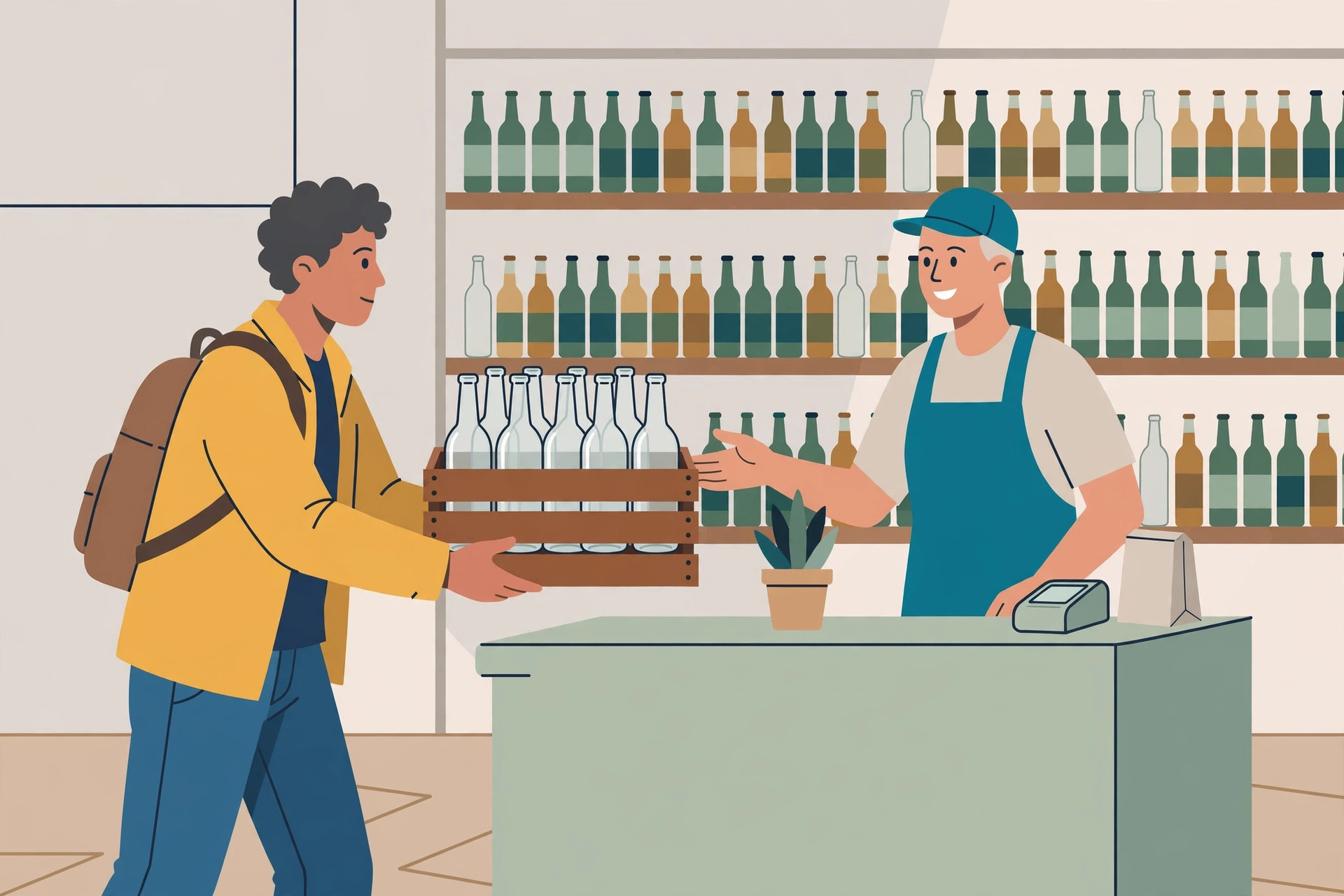
A bottle deposit looks like the simplest money in retail: charge it on the way out, refund it on the way back in. It stays simple for about a week — until the deposit refunds stop matching the deposits charged and nobody can say how many containers the store should still be holding money for. LS Central does not handle this with a separate deposit module for retail containers. It handles it with a documented item setup: item linking, where the deposit is its own item, tied to the drink it ships with. This guide walks the whole loop — setup, sale, return, and the reconciliation that tells you what is still outstanding.
General information only. Deposit amounts, eligible containers, and tax treatment vary by jurisdiction and program — the deposit value you charge is set on your own items under your local rules.
How LS Central handles a bottle deposit: the linked-item model
In LS Central, retail items can be linked together so that every time the main item is sold, the linked items are sold with it. The documentation's own example is exactly this one: when selling drinks in bottles, the bottles are linked to the drinks, so every time the drink is sold, the bottle is sold with it. For a deposit, the "bottle" is a deposit item — a normal retail item whose price is the deposit amount — and the link does two jobs at once: it charges the deposit automatically at sale, and it defines how the deposit comes back.
The return behaviour is set by two fields, and getting them right is the whole setup:
- No. of Items (on the link) is negative. LS Retail's documentation is explicit: if the linked item shall be returned later — the example given is an empty bottle with bottle deposit paid for — then the No. of Items should be negative.
- Qty. Becomes Negative (on the deposit item) is set. With those two in place, the behaviour is: when the main item and the linked item are sold, the linked item is sold positive; when the linked item is returned, it is negative. That sign flip is what makes deposits reconcilable later — sales and returns land on the same item, in opposite directions.
The link is strictly one-way, and the limits are documented: when the linked item is sold on its own, the main item is not sold with it; the main item can never appear as a linked item; and an item cannot be linked to itself. So a crate of empties coming back never drags a phantom drink sale into the transaction — and you cannot build a circular link by accident.
Set it up: create the deposit item and link it
- Create the deposit item as an ordinary retail item. A retail item is created and set up as an ordinary item in the inventory system. On the Retail Item Card you fill in the usual fields, including Cost and Unit Price Including VAT — the Unit Price is where your deposit amount lives, so set it to the deposit you actually charge for that container type. Use one deposit item per container type or deposit value you need to track separately.
- Set Qty. Becomes Negative on the deposit item. This parameter is set on the bottle (deposit) item itself, not on the drink.
- Open the main item's Retail Item Card — the drink, not the deposit item.
- Click Item, Item Linking, Linked Items to open the Linked Items window for that drink.
- In the Linked Item No. field, select the deposit item, and set the Unit of Measure for the link.
- Fill in No. of Items as a negative value. This field normally says how many units of the linked item are sold with the main item; for a returnable deposit link it is entered negative, per the documented setup above.
- Verify the link. On the Retail Item Card, click Item, Item Linking, Where-Linked List. It shows the main item the deposit item is linked to and the No. of Items — confirm every drink that should carry this deposit appears, and no drink that shouldn't does.
- Wait for the export before testing. A new retail item is ready to be sold after the system next exports retail item data to the POS terminals, so test at the till only after that export has run.
What success looks like: a test sale of the drink produces two lines — the drink, and the deposit item sold positive at the deposit price. A test return of the empty (next section) produces the deposit item negative, at the same value, with no drink line attached. If the sale test shows no deposit line, the link or the export is the problem; if the return test won't go negative, the two sign fields in steps 2 and 6 are the problem.
Selling: what actually happens at the till
Once linked, there is nothing for the cashier to remember. Every sale of the main item sells the linked deposit item automatically — that is the definition of the link. The customer sees the drink and a deposit line; the deposit item's own price is the amount charged. This is the main operational argument for linking over the manual alternative (a deposit item the cashier adds by hand when they remember to): the charge cannot be forgotten, skipped on a busy till, or added twice, because it is part of the drink's setup rather than the cashier's routine.
Taking a return at the POS
Returns run through the POS's negative-quantity handling. The documented command is NEG_QTY, the Negative Quantity command: it is a pre-entry command, and when it is called and an item is scanned, that item becomes a negative quantity within the transaction. For a container return, the cashier calls NEG_QTY and scans (or keys) the deposit item — the same item that was sold positive with the drink — and the line lands negative, refunding the deposit.
One terminal setting decides whether a standalone empties return works at all. If the POS terminal is set to allow Return in Transaction, item returns can be performed with NEG_QTY. If item return is not allowed in a sale, the POS will not allow negative quantity scanning exceeding the quantity of the item already in the transaction — which is fine for correcting a line in the current sale, but blocks the normal deposit case, where the customer brings back empties from an earlier purchase and there is no matching line in today's transaction. Any terminal that takes container returns needs Return in Transaction allowed; test it with a real standalone return, not a same-sale correction.
| Sale | Container return | |
|---|---|---|
| Trigger | Cashier sells the main item (the drink) | Cashier calls NEG_QTY and scans the deposit item |
| Deposit line | Added automatically by the link, sold positive | Entered directly, lands negative |
| Main item line | Present — it is the sale | Absent — the link is one-way, so the drink is not pulled in |
| Setting that matters | No. of Items negative and Qty. Becomes Negative set on the link and deposit item | Terminal allows Return in Transaction |
One documented wrinkle to test before go-live: LS Central's 28.0 release notes record a fix described as "returning a linked item is a price not possible with zero — adjust condition to check if Price is Zero." In plain terms, returning a linked item interacted badly with a zero price in that release line. The practical takeaway is not the version trivia — it is to keep the deposit item priced at the real deposit amount (which the setup above does anyway) and to include a return in your testing on your exact version, rather than assuming the sale test covers it.
Reconciling deposits: collected vs refunded vs outstanding
The sign convention is what makes this reconcilable at all. Because deposits collected are the deposit item sold positive and deposits refunded are the same item negative, the outstanding position for any period is simple arithmetic on one item:
- Deposits collected = deposit item quantity sold (positive lines) in the period.
- Deposits refunded = deposit item quantity returned (negative lines) in the period.
- Still outstanding = collected − refunded, accumulated since the deposit item was introduced. That count is the number of containers your customers are still holding deposit money on — the figure that should roughly match what you would owe if every empty came back tomorrow.
Run it monthly, alongside the statement routine, and investigate three patterns. Refunds exceeding collections in a period is not automatically wrong — empties from earlier periods come back late — but a persistent pattern means returns are being keyed against the wrong deposit item or the wrong value. A deposit item sold on its own, without its main item, is possible precisely because the link is one-way; occasional standalone deposit sales may be legitimate (a replacement container), a steady stream usually means a drink is missing its link — re-check the Where-Linked List. Outstanding growing much faster than container sales points back at setup: a drink added to the range without the link being added to it collects nothing while its returns still get refunded against the shared deposit item.
When linking is the wrong tool
Linking is the right default when the deposit is charged every single time the main item is sold. Walk through these questions before linking a given item:
- Is the deposit always charged with this item? The link fires on every sale of the main item, with no per-sale choice. An item that is sold both with and without a returnable container (refill stations, bring-your-own-container programs) will be over-charged on the no-container sales — that item needs a manual route or a separate no-deposit variant, not a link.
- Do the returns come back to you? The model refunds against the same deposit item. If your containers are returned to a central depot and never cross your till, the negative side never happens at your POS and the outstanding count is meaningless — track it in the depot process instead.
- Do you need the outstanding figure per container type? If yes, that is an argument for more deposit items (one per type or value), each linked where it belongs — not for one generic deposit item that blends them.
None of that argues against the linked setup for the standard case — a drink, in a returnable bottle, sold and returned at the same store. That is the case the LS Central documentation describes, and it is the case where the automatic charge and the signed return earn their keep.
FAQ
If a customer buys just the deposit item, does the drink get added?
No. The link is one-way: selling the main item sells the linked item with it, but selling
the linked item does not sell the main item. The main item can never appear as a linked
item, and an item cannot be linked to itself.
Why is No. of Items negative if the deposit is charged (positive) at
sale?
That is the documented setup for a linked item that will be returned later — an empty
bottle with the deposit paid is the documentation's own example. Combined with Qty.
Becomes Negative on the deposit item, the result is: sold positive at sale, negative at
return.
A customer returned empties with no purchase. The POS refused the negative
line. Why?
Most likely the terminal is not set to allow Return in Transaction. Without that setting,
NEG_QTY negative scanning cannot exceed the quantity of the item already in the current
transaction — and a standalone return has none. Allow returns in transaction on terminals
that take container returns.
What deposit amount should the deposit item carry?
Whatever deposit your local program or jurisdiction requires for that container — it is
the Unit Price on the deposit item, and it is yours to set and keep current. This guide
deliberately does not list amounts: they differ by place and container, and a wrong
printed amount is worse than none.